R6Explainers · 3 min read
DisplayPort vs HDMI: Which to Use and What the Versions Mean
Bandwidth by version, what DSC does, how adaptive sync works over each port, and how to buy a cable that actually carries the signal.
PC Parts Reviews Editors · November 9, 2026
The short version
- Use DisplayPort for a PC monitor by default, and HDMI for TVs, consoles and devices that lack DisplayPort.
- Read the data rate as well as the version, because a port can claim HDMI 2.1 or DisplayPort 2.1 without offering the full bandwidth.
- DSC lets a link carry more than its raw bandwidth and is a sound choice for high-resolution, high-refresh setups.
- Buy certified cables: DP40 or DP80 for DisplayPort 2.1, and Ultra High Speed or Ultra96 for HDMI 2.1 and 2.2.
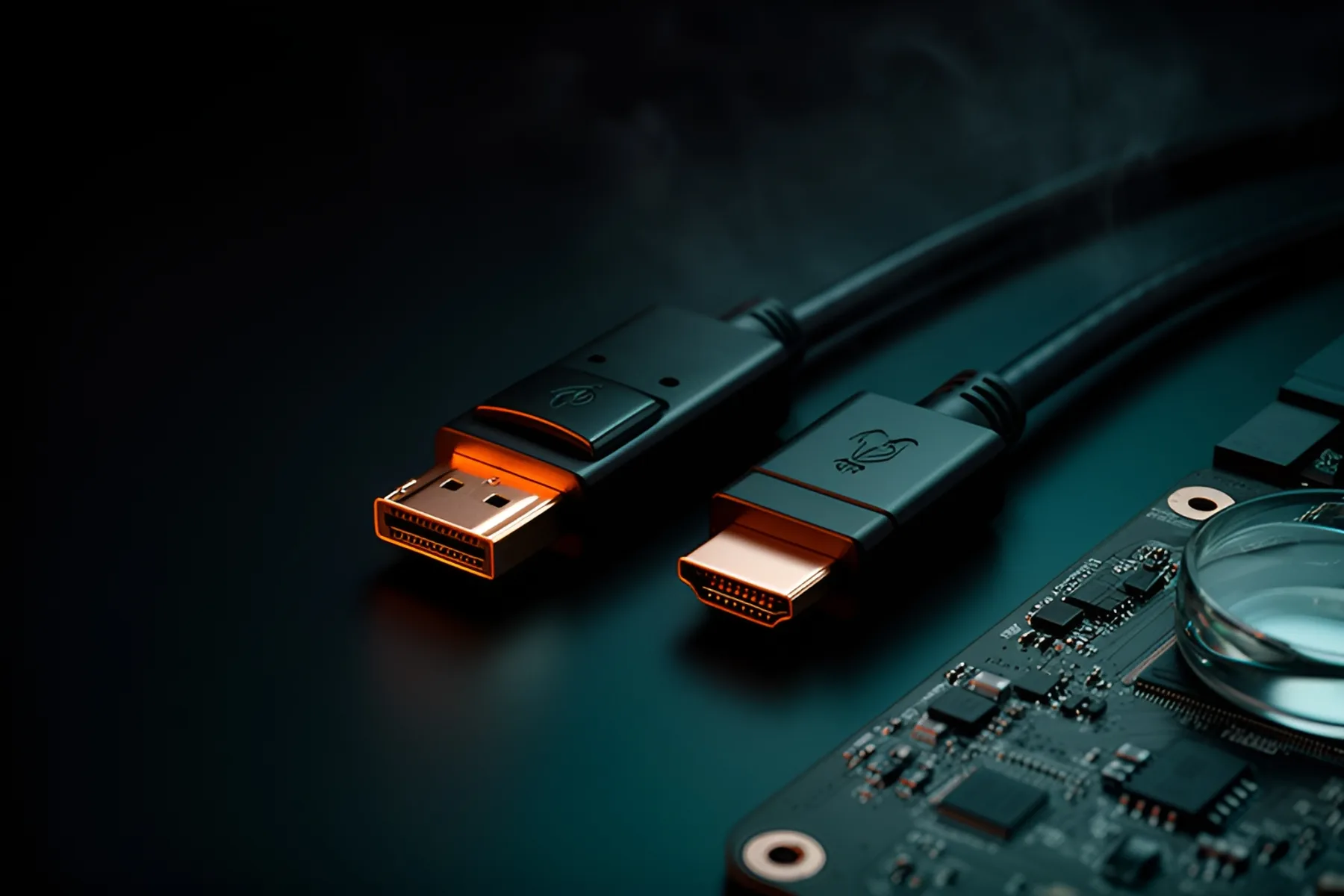
For a PC monitor, use DisplayPort unless you have a specific reason not to. Use HDMI for TVs and consoles, which often don't have DisplayPort at all. That default gives you broad adaptive sync support and, on most current graphics cards, the most ports to choose from. The details only start to matter when you're pushing high resolution and high refresh rate at the same time.
Bandwidth by version
| Standard | Maximum bandwidth | Notes |
|---|---|---|
| HDMI 2.0 | 18 Gbps | Common on older TVs and monitors |
| HDMI 2.1 | 48 Gbps | Needs an Ultra High Speed cable for full bandwidth |
| HDMI 2.2 | 96 Gbps | Current specification, needs an Ultra96 cable |
| DisplayPort 1.2 | 21.6 Gbps | |
| DisplayPort 1.4 | 32.4 Gbps | About 20% goes to encoding overhead |
| DisplayPort 2.1 UHBR10 | 40 Gbps | |
| DisplayPort 2.1 UHBR13.5 | 54 Gbps | |
| DisplayPort 2.1 UHBR20 | 80 Gbps | 77.37 Gbps maximum payload |
DisplayPort 2.1b is the current DisplayPort version, announced in January 2025, and HDMI 2.2 is the current HDMI version. Graphics cards are behind the newest HDMI: the GeForce RTX 5090 lists DisplayPort 2.1b with UHBR20 and HDMI 2.1b, and the Radeon RX 9070 XT lists DisplayPort 2.1a and HDMI 2.1b.
The version on a spec sheet doesn't guarantee the full figure. RTINGS points out that there are HDMI 2.1 monitors with only 24 Gbps and DisplayPort 2.1 monitors limited to UHBR10. Check the data rate on both the monitor and the graphics card, because the connection only runs as fast as the slower end.
Here's what that bandwidth buys, using RTINGS's theoretical figures for uncompressed 10-bit 4:4:4 signals:
| Resolution | HDMI 2.0 | HDMI 2.1 | DP 1.4 | DP 2.1 (UHBR20) |
|---|---|---|---|---|
| 2560 x 1440 | 119 Hz | 314 Hz | 206 Hz | 517 Hz |
| 3840 x 2160 | 55 Hz | 153 Hz | 97 Hz | 267 Hz |
What DSC does
Display Stream Compression shrinks the video signal so the link can carry more than its raw bandwidth, without the color loss of chroma subsampling. VESA describes it as visually lossless. It's how a graphics card reaches very high refresh rates: NVIDIA specifies up to 4K at 480 Hz on the RTX 5090 with either DisplayPort 2.1b or HDMI 2.1b plus DSC. DisplayPort 2.1b devices also have to support DSC to be certified.
RTINGS notes that DSC can occasionally create artifacts or block features such as DSR and DLDSR. That's a reason to turn it off when you're troubleshooting. It isn't a reason to give up refresh rate. Leave it on for high-resolution, high-refresh setups.
Adaptive sync
Both ports can carry variable refresh, which stops tearing by matching the monitor to the GPU's frame rate. DisplayPort uses VESA Adaptive-Sync, and VESA's AdaptiveSync Display certification tests how a monitor actually performs. HDMI uses HDMI Forum VRR.
RTINGS flags one practical difference: NVIDIA's G-SYNC doesn't work over HDMI on every monitor, so an NVIDIA card is better on DisplayPort unless your monitor explicitly supports it over HDMI. Our gaming monitor guide covers this in more depth.
Cables and certification
Certification is where cheap cables fall down, because the same connector can carry very different signals.
DisplayPort. VESA certifies DP40 cables for UHBR10 (40 Gbps) and DP80 cables for UHBR20 (80 Gbps). DisplayPort 2.1b also adds DP80LL (low loss) active cables, which carry UHBR20 up to three meters, about three times the reach of a passive DP80 cable. If you need UHBR20, look for one of those three names and keep the run as short as you can.
HDMI. The Ultra High Speed HDMI Cable handles up to 48 Gbps and the Ultra96 HDMI Cable up to 96 Gbps. Both are part of the HDMI cable certification program, and the certified packaging carries a label you can scan to check it.
Whichever you need, the cable that came in the box with a high-refresh monitor is usually matched to it, so start there. You'll find others in the cables category.
Which to use
| Setup | Use |
|---|---|
| Desktop gaming monitor | DisplayPort |
| TV or game console | HDMI 2.1 |
| High-refresh 4K | The highest-bandwidth port both ends support, with DSC on |
| Several monitors from one port | DisplayPort with MST, if your monitors support it |
| Monitor with an NVIDIA card and G-SYNC | DisplayPort, unless it's confirmed over HDMI |
The monitor and GPU matcher will tell you what your card can drive, and the monitor rankings list which ports each screen has.
Common questions
Is DisplayPort better than HDMI for gaming?
For most PC gaming monitors, yes, because it has broad adaptive sync support and most graphics cards have more DisplayPort outputs. HDMI 2.1 is just as capable on bandwidth in many setups, and it's the right choice for a TV or console.
Does DSC reduce image quality?
Not in a way most people can see. VESA calls it visually lossless, though RTINGS notes it can occasionally cause artifacts or block features such as DSR. For high-refresh 4K, it's worth using.
Can I use G-SYNC over HDMI?
Only on some monitors. RTINGS says G-SYNC doesn't work over HDMI on every display, so use DisplayPort with an NVIDIA card unless you know your monitor supports it over HDMI.
Is HDMI 2.2 available yet?
The specification exists and supports up to 96 Gbps, but current RTX 50 and RX 9000 graphics cards list HDMI 2.1b. Don't plan a purchase around HDMI 2.2 until you can buy the devices at both ends of the cable.
Sources
- FAQ - DisplayPort · VESA
- VESA Releases DisplayPort 2.1 Specification · VESA
- HDMI 2.2 Specification Overview · HDMI Licensing Administrator
- HDMI FORUM ANNOUNCES VERSION 2.2 OF THE HDMI SPECIFICATION · HDMI Forum
- HDMI vs. DisplayPort: Which One Should You Use With Your Monitor? · RTINGS
R8Keep reading
Explainers · 3 min
AM5 vs LGA1851: Sockets, Chipsets and Upgrade Paths
How AMD's and Intel's current desktop platforms compare on chipset tiers, memory and longevity, and which one leaves you a real upgrade path.
Nov 9, 2026
Guides · 5 min
How to Choose a Gaming Monitor in 2026
Match resolution and refresh rate to your graphics card, then sort out panel type, HDR labels, variable refresh, ports and size.
Nov 9, 2026
Explainers · 4 min
OLED vs IPS vs VA: Which Monitor Panel Should You Buy
How OLED, IPS and VA differ on motion, contrast, burn-in, text clarity and brightness, and which panel fits how you use your screen.
Nov 9, 2026
Bench Notes
One short email a week: price drops worth acting on, launches that matter, and the builds we would actually buy.