D1Beyond the tower
The whole setup
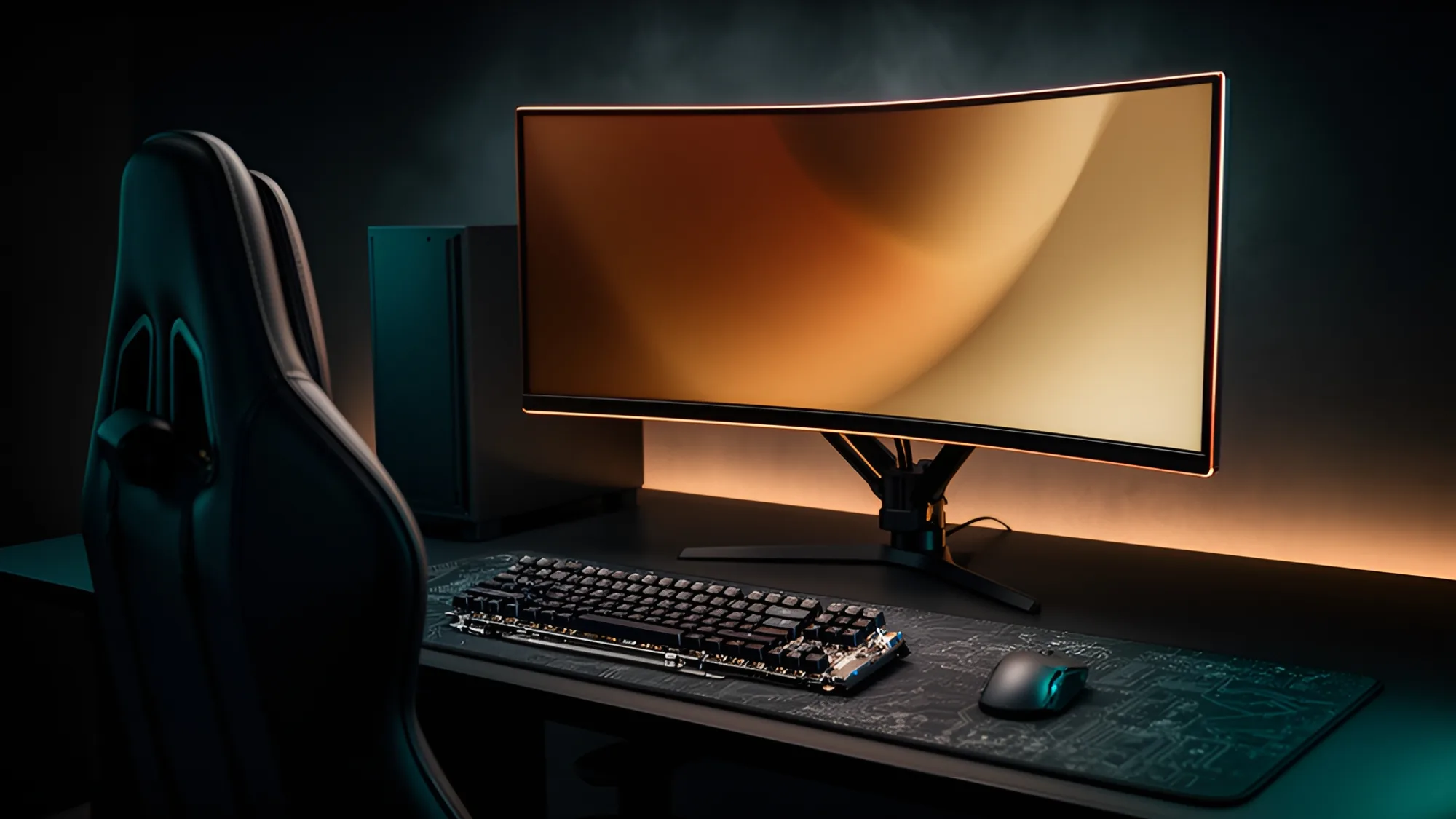
A great PC deserves a desk that keeps up. Monitors, audio, peripherals, networking and the small things that tie it all together.
Will this monitor work with this card?
Pick both and we’ll work out the connection, the highest refresh rate it can carry, and which cable you need.
D
Displays
Gaming, 4K, ultrawide, OLED and color-critical monitors, plus arms and mounts.
K
Keyboards & Mice
Mechanical boards, gaming and ergonomic mice, pads and controllers.
A
Audio
Headsets, headphones, speakers and desktop audio interfaces.
C
Streaming & Creator
Microphones, webcams, capture cards, stream decks and lighting.
N
Networking & NAS
Routers, mesh, switches, network adapters and home servers.
P
Power, Cables & Docks
UPS and surge protection, display and USB cables, adapters and docks.
G
Desk & Gaming Gear
Desks, chairs, VR, cable management, tools and everything else.
X
External Storage
Portable SSDs, external drives, flash and enclosures.
R4Before you buy
What people forget
01
Match the monitor to the graphics card
Resolution and refresh rate set how hard the card has to work. A 4K 240 Hz panel on a mid-range card is money spent on frames you’ll never see.
02
Buy the right cable
High refresh at high resolution needs the correct DisplayPort or HDMI version. The cable in the box isn’t always rated for it.
03
Check the desk before the arm
Monitor arms clamp to a desk edge and have weight limits. Measure the desk thickness and the monitor’s VESA pattern first.
04
Count your USB ports
A keyboard, mouse, webcam, microphone and stream deck add up fast. Add a hub or dock before you run out.
05
Think about the network
Fast Wi-Fi depends on the router and the card. Wired Ethernet is still the simple answer for a desktop.
06
Protect it
A UPS keeps a sudden outage from corrupting your work and gives you time to shut down cleanly.