Apple
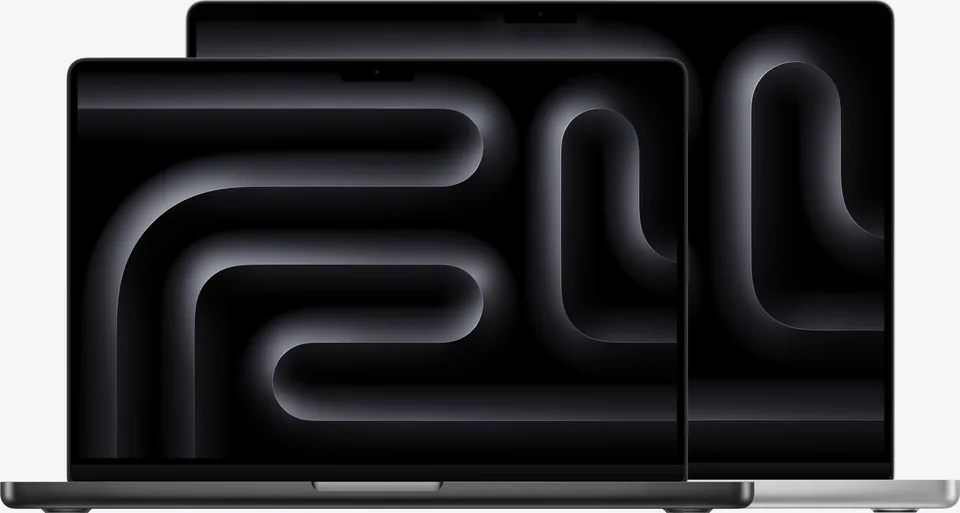
Apple MacBook Pro 14-inch (M6)
Creator, Everyday · 14.2" · Apple M6 12-core GPU
8.5
$1,999Nov 9
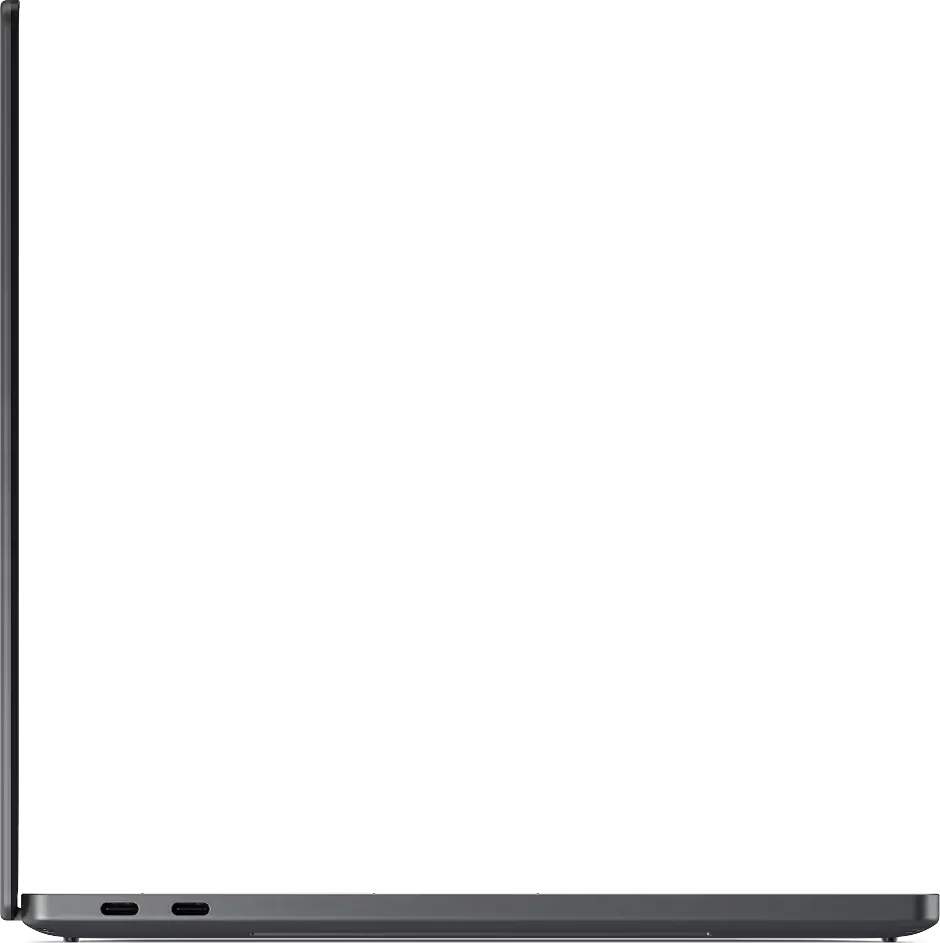
A 1.36 kg Panther Lake ultraportable with about 20 hours of LCD endurance and an optional tandem OLED.
PCPR score
8.1
Great
Best price we’ve seen
Checked recently. Confirm at the retailer.
R1
Dell's 2026 XPS 14 uses Intel Core Ultra Series 3 chips in a 1.36 kg body with a restored physical function row, marked touchpad edges and three Thunderbolt 4 ports. Tom's Hardware measured over 20 hours on the 1200p LCD model and strong performance from the top chip, but the keyboard's shallow travel is divisive and even entry models are expensive. The 2880 x 1800 tandem OLED option cuts runtime sharply. It suits mobile professionals who value endurance and weight over graphics speed.
Pros
Cons
Best for
SYS1
| Configuration | Processor | Graphics | Memory | Storage | Price |
|---|---|---|---|---|---|
| Core Ultra 7 355 · 16GB · 512GB · 1200p LCD | Intel Core Ultra 7 355 | Intel Graphics (integrated) | 16 GB | 512 GB | $1,700 |
| Core Ultra X7 358H · 32GB · 1TB · 2880 x 1800 OLED | Intel Core Ultra X7 358H | Intel Arc B390 (integrated) | 32 GB | 1 TB | — |
J5
Memory
UnconfirmedThe maker doesn’t publish its slot layout. Check before buying more memory.
Browse memoryProcessor
UnconfirmedA drop-in upgrade depends on the socket and the maker’s BIOS. Check the board before buying a CPU.
Browse processorJ3
Core
Display
Memory
Fit
Power
Physical
Connectivity
Ports & I/O
Software
Compatibility notes
P1
Official store
Seen Nov 9, 2026
$1,699.99
Buy from the makerAmazon
Search this retailer
Newegg
Search this retailer
Best Buy
Search this retailer
B&H Photo
Search this retailer
Micro Center
Search this retailer
We may earn a commission when you buy through links on this page. It never affects our scores or what we recommend. Prices move quickly, so confirm the final price at the retailer.
AV1
We only list videos we’ve confirmed are about this product. You can search YouTube for reviews in the meantime.
AV2
Tom's Hardware
PositiveRecommended the new XPS 14 for its light build, strong speakers and very long battery life on the LCD model, while noting a shallow keyboard and costly entry configurations.
Review
Read the sourceSummaries are written in our words. Follow the links for each source’s own review.
R9
The LCD model is far stronger on battery. Tom's Hardware measured about 20 hours and 41 minutes on the 1200p LCD configuration, compared with about 12 hours and 23 minutes on the 2880 x 1800 OLED version.
No. Tom's Hardware reports the RAM is soldered to the board, so capacity has to be chosen at purchase, though the SSD and battery can be replaced.
Dell lists three Thunderbolt 4 USB-C ports with DisplayPort 2.1 and Power Delivery, plus a 3.5 mm audio jack, so adapters are needed for USB-A or HDMI.
J9Alternatives
Apple
Creator, Everyday · 14.2" · Apple M6 12-core GPU
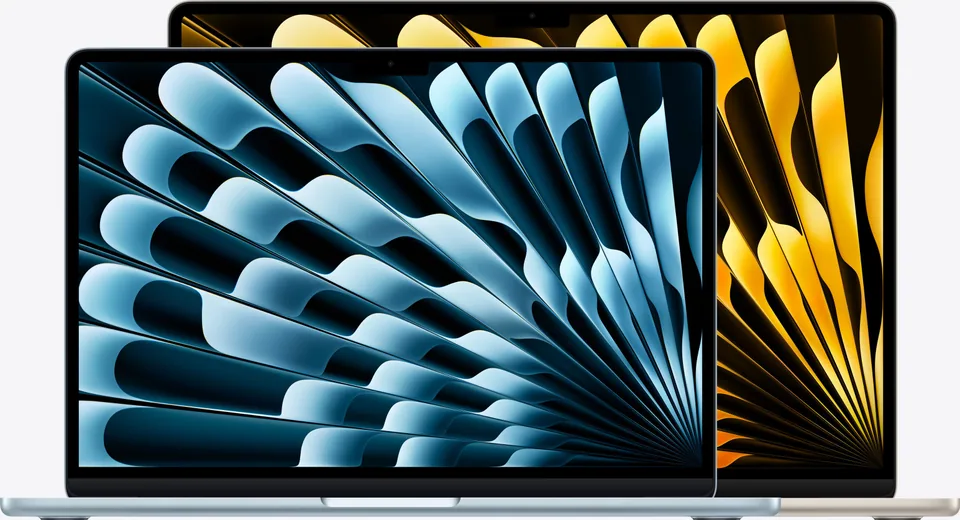
Apple
Everyday, Student, Compact · 13.6" · Apple M5 8-core GPU (10-core GPU on higher configurations)
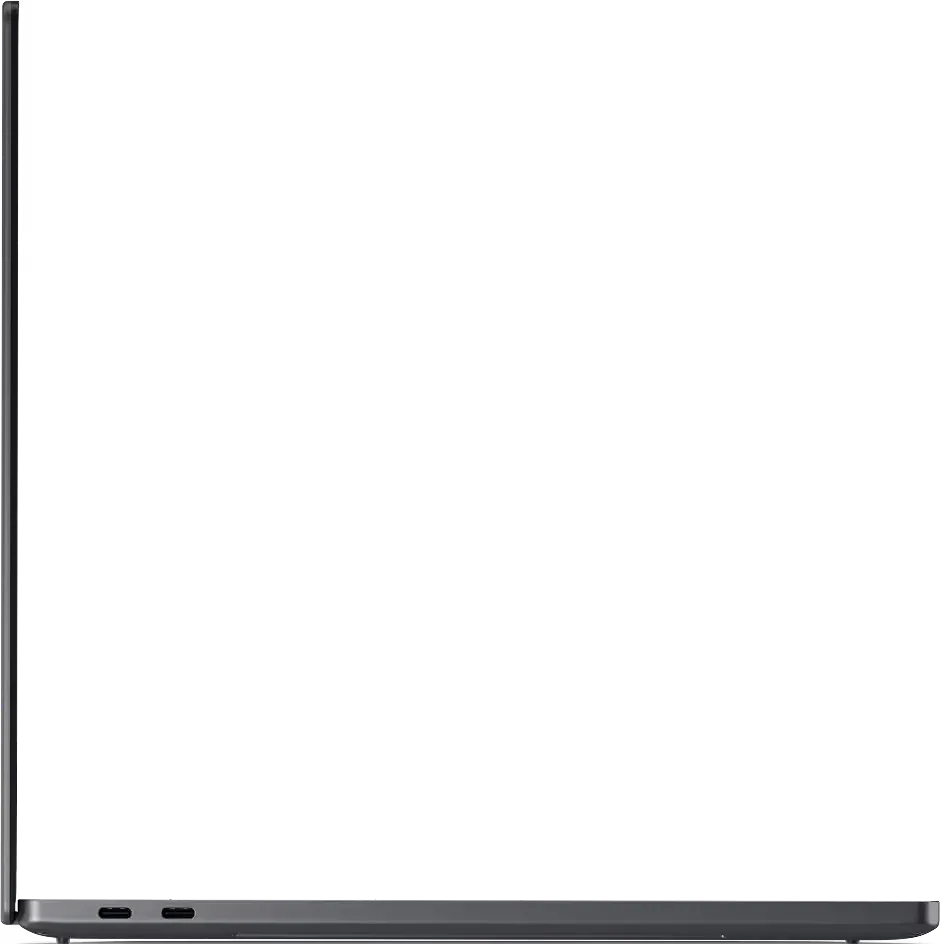
Dell
Creator, Everyday · 16" · Intel Arc Graphics (integrated)
Apple
Everyday, Student · 15.3" · Apple M5 10-core GPU