OBSBOT
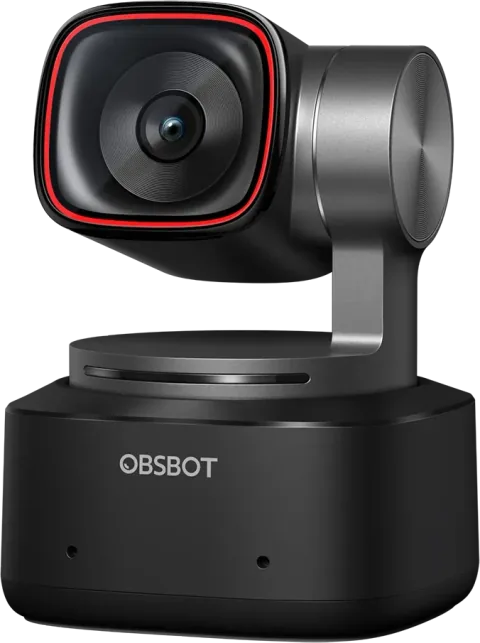
OBSBOT Tiny 2
4K · 60 fps · 85.5°
8.3
$299Nov 9
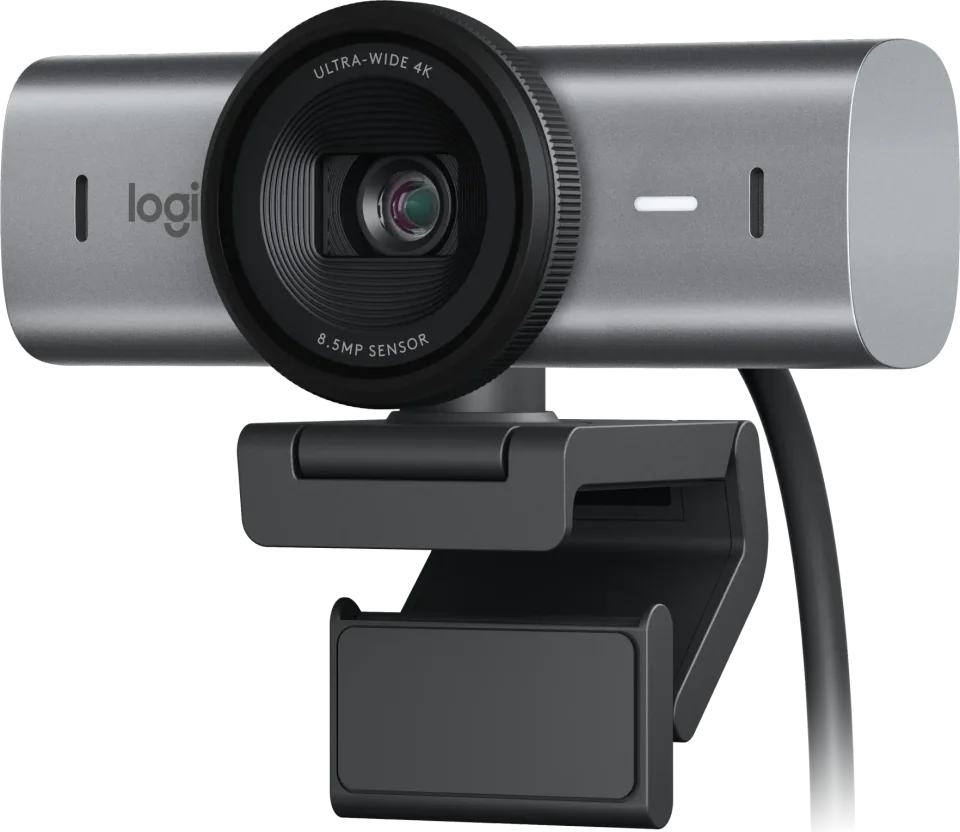
Logitech's premium 4K webcam with strong exposure and autofocus, though it drops the older Brio's Windows Hello.
PCPR score
7.9
Good
Best price we’ve seen
Checked recently. Confirm at the retailer.
R1
The MX Brio is Logitech's flagship 4K webcam, with a larger sensor than the Brio 4K, 4K/30 and 1080p/60 modes, a 90-degree field of view, autofocus, dual beamforming mics and a built-in rotating privacy shutter. Windows Central rates the low-light gains and 4K video highly, while Tom's Hardware finds the image flatter and less detailed than other 4K webcams and PC Gamer calls it pricey for its results. It lacks Windows Hello. It suits hybrid workers who want a sleek plug-and-play camera.
Pros
Cons
Best for
J3
Core
Performance
Features
Connectivity
Compatibility notes
P1
Official store
Seen Nov 9, 2026
$199.99
Buy from the makerBest Buy
Seen Nov 9, 2026
$199.99
See it at Best BuyAmazon
Search this retailer
Newegg
Search this retailer
B&H Photo
Search this retailer
Micro Center
Search this retailer
TikTok Shop
Search this retailer
We may earn a commission when you buy through links on this page. It never affects our scores or what we recommend. Prices move quickly, so confirm the final price at the retailer.
AV1
We only list videos we’ve confirmed are about this product. You can search YouTube for reviews in the meantime.
AV2
Tom's Hardware
MixedRecommends it for office calls thanks to bright exposure and the built-in shutter, but finds the picture flatter and less detailed than other 4K cameras, and the price high without Windows Hello.
Review
Read the sourcePC Gamer
MixedGives it 78, liking the fast autofocus, decent mics and built-in shutter but feeling the camera is overpriced for an image that leans heavily on software processing.
78/100 · Review
Read the sourceWindows Central
PositiveCalls it a fitting replacement for the Brio 4K with stronger low-light results, quick autofocus and more detail, while lamenting the removal of Windows Hello and a thin feature list.
Review
Read the sourceSummaries are written in our words. Follow the links for each source’s own review.
R9
No. Windows Central and Tom's Hardware both note it drops the Windows Hello support of the older Brio 4K.
Tom's Hardware notes you can use a USB-C to USB-A cable or adapter, though the included cable is USB-C on both ends.
Tom's Hardware argues it suits meetings better than advanced content creation, because its image is flatter and less detailed than rivals.
J9Alternatives