R6Opinion · 4 min read
Stop Overspending on Motherboards
Most builders pay for motherboard features they never use. Buy the cheapest solid board with the ports you need and put the savings somewhere you will notice.
PC Parts Reviews Editors · November 9, 2026
The short version
- Buy the cheapest board from a solid mainstream line that has the ports and M.2 slots you will actually use.
- A pricier motherboard does not raise frame rates at stock settings, so the money usually does more on memory or a better graphics card.
- AM5's upgrade path comes from the socket, which AMD supports through 2029, so a mid-range board gets the same future as a flagship.
- Spend more only for a concrete need, such as USB4, more M.2 drives, a 16-core CPU under sustained load, or Mini-ITX.
- Don't go to the very bottom of the range, where boards drop CPU overclocking, PCIe 5.0 storage and useful ports.
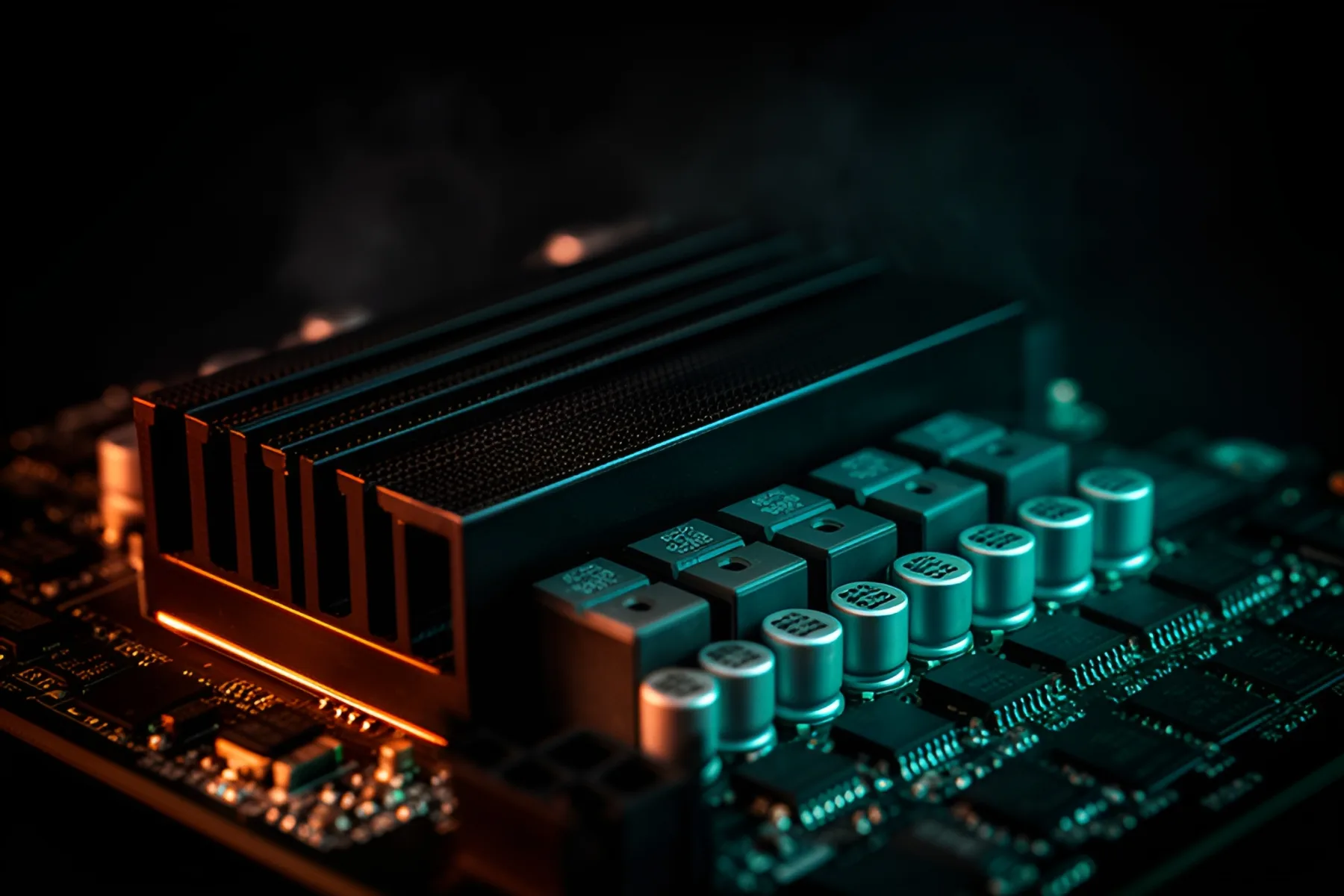
The motherboard is the easiest place in a PC budget to waste money, because the expensive ones look and sound important. For most gaming builds, the right board is the cheapest one from a solid mainstream line that has the ports you will actually use. With memory and graphics cards priced the way they are this year, the extra money has better places to go.
A bigger price does not mean more frames
A motherboard doesn't make your games faster. At stock settings, frame rate comes from the graphics card, the processor and the memory, and the board's job is to connect them reliably.
Look at what the gap buys. In our motherboard catalog on November 9, the ASUS ROG Crosshair X870E Hero cost about three times as much as the MSI MAG B850 Tomahawk Max WiFi, and more than the Ryzen 7 9800X3D you might put in it. Both have Wi-Fi 7, 5Gb Ethernet and a PCIe 5.0 x16 slot. The Hero adds two USB4 ports, one more M.2 slot and a heavier power design. That is a real list of upgrades, and in a gaming PC most of it will never be used.
The chipset changes less than the name suggests
AMD's own AM5 chipset table shows how little separates the mainstream tiers. B850 and X870 both allow CPU and memory overclocking, and both give you PCIe 5.0 for NVMe storage. X870 makes USB4 standard and adds PCIe 5.0 for graphics. AMD lists B850's graphics slot as PCIe 4.0, but every B850 board in our catalog has a PCIe 5.0 x16 slot anyway, so read the spec page for the exact model.
PCIe 4.0 x16 is plenty for a 16-lane graphics card. The exception is a card with only eight lanes and too little VRAM. In testing reported by Tom's Hardware, an RTX 5060 Ti 8GB ran slower on PCIe 4.0, and eight of 27 games lost almost 9 percent or more. That is a reason to avoid 8GB cards, and no reason to buy a costlier board.
Intel's split looks similar. Compared with Z890, B860 gives up CPU overclocking and some PCIe lanes and keeps memory overclocking. If you are not overclocking the processor, you probably won't miss either. Tom's Hardware also reports that LGA 1851 has no new processors coming, so flagship money on a Z890 board buys no upgrade path.
Future-proofing is the usual excuse, and on AM5 it doesn't hold up. The socket is what gives you the future, and AMD supports it through 2029. AMD says all AM5 boards work with all AM5 processors, with a BIOS update sometimes required. A mid-range board gets the same path as a flagship.
Power delivery is real, and usually already enough
A better VRM matters when a CPU pulls heavy power for a long time. Our scores reflect that, rating the Hero's power delivery at 9.3 and the Tomahawk Max's at 7.8. The question is whether your processor can use the difference.
A Ryzen 7 9800X3D tops out at 162 W in our catalog, well within what a mainstream B850 board is built for. A Ryzen 9 9950X can reach 230 W and a Core Ultra 9 285K 250 W, and if you run chips like those flat out for hours, spending more is justified.
When spending more is worth it
Pay up when you can name the thing you are paying for:
- You will use USB4 or 10Gb networking regularly.
- You need more M.2 drives than a mainstream board can hold.
- You run a 16-core processor under sustained load.
- You are building in Mini-ITX, where small boards carry a premium you can't avoid.
- You overclock for fun and accept that it costs money.
Also check today's prices before deciding on a tier. On November 9, the MSI MAG X870 Tomahawk WiFi cost less than 2 percent more than its B850 sibling, and at that gap the X870 is the better buy for its two USB4 ports, as long as you remember they share PCIe bandwidth with its second PCIe 5.0 M.2 slot.
Don't swing too far the other way
The very cheapest boards cut things you will miss. AMD's B840 and A620 chipsets drop CPU overclocking and PCIe 5.0 storage. Entry-level boards in our catalog also score noticeably lower on power delivery, and a board like the MSI PRO H810M-E has one M.2 slot and no Wi-Fi. Aim for at least two M.2 slots, a current BIOS and the rear ports you use every day. The builder will flag a BIOS or CPU support problem before you buy.
Where the savings should go
The price difference between the Hero and the Tomahawk Max covers most of a 32GB DDR5-6000 CL30 kit. That is where your money goes further this year, followed by the next tier of graphics card. Start with how to choose a motherboard, see our motherboard rankings, and use the budget guide to divide the rest.
Common questions
Does an expensive motherboard improve gaming performance?
Not in any meaningful way at stock settings. Frame rates come from the graphics card, the processor and the memory. A better board helps with sustained heavy CPU work, overclocking and extra ports.
Is a B850 motherboard good enough for a Ryzen 7 9800X3D?
Yes, for nearly every gaming build. The 9800X3D tops out at 162 W in our catalog, well within what a mainstream B850 board is built for. Check for the ports and M.2 slots you need, and confirm the board has a current BIOS.
Do I need PCIe 5.0 on my motherboard for a graphics card?
No. A 16-lane graphics card has plenty of bandwidth on PCIe 4.0. Cards with only eight lanes are the ones to check, especially models with 8GB of VRAM, which have lost performance on PCIe 4.0 in published testing.
When is an X870E motherboard worth it?
When you will use what it adds, such as more total PCIe lanes and USB ports, or a stronger power design for a 16-core chip under sustained load. For a gaming build, a good B850 or X870 board does the job for much less.
Sources
- AMD Socket AM5 Chipset · AMD
- AMD Computex 2026: 10 Years of AM4, AM5 Support Through 2029 and Expanded RDNA 4 Gaming · AMD
- Intel’s next-gen Nova Lake needs new motherboards — what we expect from Nova Point and Z990, Z970, and B960 chipsets · Tom's Hardware
- Nvidia RTX 5060 Ti 8GB loses up to 10% performance when using PCIe 4.0 · Tom's Hardware
R8Keep reading
How-To · 7 min
How to Build a PC, Step by Step
The whole build in order, from tools to a stress-tested Windows install, with the mistakes that damage parts flagged and a fix list for a PC that won't POST.
Nov 9, 2026
Explainers · 3 min
AM5 vs LGA1851: Sockets, Chipsets and Upgrade Paths
How AMD's and Intel's current desktop platforms compare on chipset tiers, memory and longevity, and which one leaves you a real upgrade path.
Nov 9, 2026
How-To · 4 min
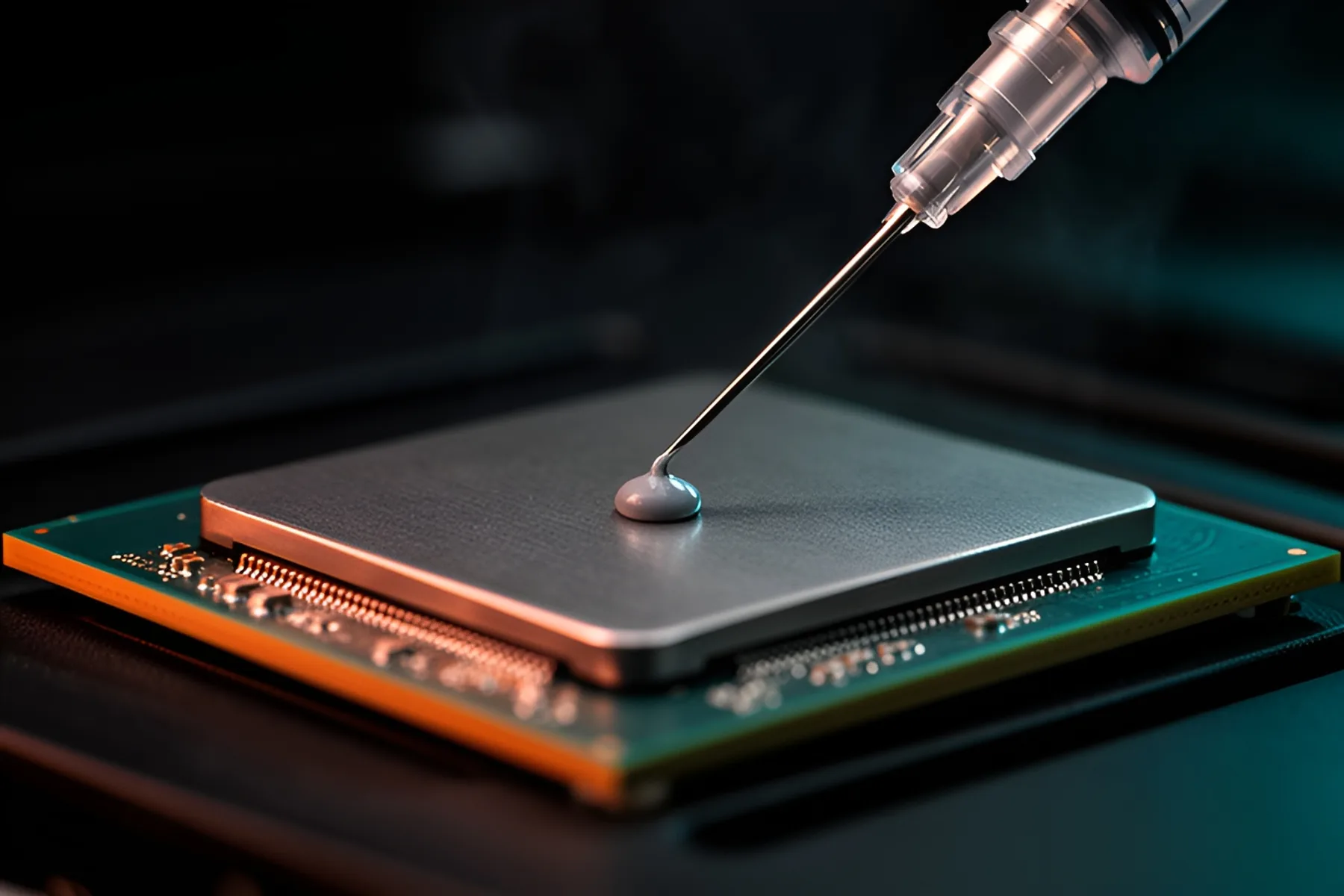
How to Apply Thermal Paste on AM5 and LGA1851
How much paste to use, where to put it on current AMD and Intel CPUs, how to clean off the old layer, and when repasting is worth doing.
Nov 9, 2026
Bench Notes
One short email a week: price drops worth acting on, launches that matter, and the builds we would actually buy.