R6Opinion · 3 min read
The Best Upgrade Is Usually Your Monitor
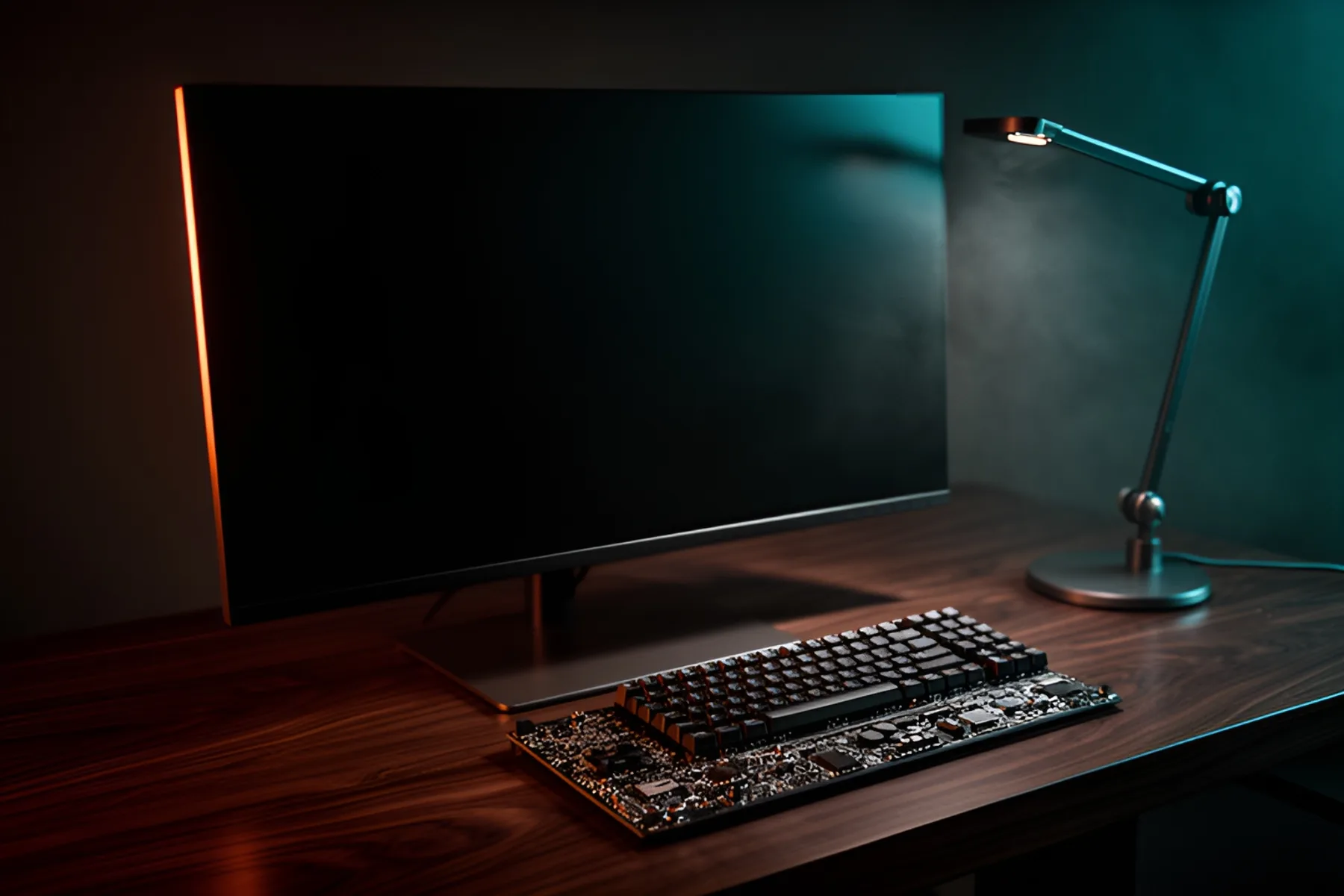
If your games already run well, a better screen will change more than a faster graphics card, and it barely touches this year's memory prices.
PC Parts Reviews Editors · November 9, 2026
The short version
- If your frame rate regularly sits above your monitor's refresh rate, the monitor is what is limiting you.
- A monitor improves every game you already own and moves to your next build unchanged.
- A monitor uses very little memory, so it largely avoids the premium hitting graphics cards and memory kits right now.
- Moving from 1080p to a 27-inch-class 1440p high-refresh screen is the most useful step for most people, and OLED is the next one.
- Upgrade the graphics card first if it can't hold a steady frame rate at your current resolution.
If your games already run well, the next upgrade you will actually notice is probably the screen. Graphics cards get the attention because they come with benchmark charts, but a better monitor changes every frame, every hour at the desk and every game you already own. In a year when memory and graphics cards cost this much, the case is stronger than usual.
You look at it the whole time
Steam's October 2026 hardware survey shows about half of its users still on 1920 x 1080 as their primary display, with roughly 22 percent at 2560 x 1440 and about 5 percent at 4K. If your graphics card can drive more than your screen can show, you are paying for performance you never see.
Here is a simple test. If your frame rate regularly sits above your monitor's refresh rate, the monitor is what is limiting you.
A faster graphics card gives you more frames. A better monitor changes what those frames look like. More pixels sharpen the image, a higher refresh rate cleans up motion, and an OLED panel's black levels and pixel response are obvious in any dark game. You get all of that on the day you plug it in, in games you have already paid for. It helps outside games too, since a 27-inch-class 1440p screen gives you sharper text and more room for windows than 1080p does.
It outlasts the PC around it
A monitor isn't tied to a CPU socket, a memory standard or a motherboard chipset. It connects over DisplayPort or HDMI and moves to your next build unchanged, and probably the one after that. Pair it with a good monitor arm and the rest of your desk setup improves with it.
Graphics cards and processors lose their standing with every generation. A good panel keeps doing the same job for years.
The shortage makes the case stronger
A monitor needs only a sliver of memory, so it is one of the few upgrades that largely avoids the premium hitting everything else. On November 9, the MSI MAG 271QPX QD-OLED, a 26.5-inch 1440p panel running at 360 Hz, cost a little less in our catalog than a 32GB DDR5-6000 CL30 kit, and well under half of what an RTX 5070 Ti was selling for.
Micron expects the memory market to get tighter through 2027 and 2028, so we don't expect that comparison to flip soon. Money spent on a screen also doesn't depend on guessing when graphics card prices will come down.
What to buy
| If you have | Buy | Watch for |
|---|---|---|
| 1080p at 60 to 144 Hz | 27-inch-class 1440p at 165 Hz or more | About 78 percent more pixels for your graphics card to draw |
| 1440p IPS or VA | 1440p OLED | Burn-in risk with static windows, and text clarity up close |
| Older 4K at 60 Hz | 4K at 120 Hz or more | Your graphics card and your DisplayPort or HDMI bandwidth |
Match the screen to your card with our setups tool, which pairs monitors and graphics cards. Then see how to choose a gaming monitor, our monitor rankings and the full monitor catalog.
OLED is not automatically the right call. If your screen shows static windows for many hours a day, read our OLED vs IPS vs VA comparison first, and check the burn-in warranty on any OLED you consider.
When the monitor isn't the answer
Buy the graphics card first if your current card can't hold a steady frame rate at your current resolution, or if games are running out of VRAM. A sharper screen makes a struggling card struggle more.
Skip 4K if you own a card built for 1080p, since the screen will show you its limits in every game. And if you mainly play competitive shooters at low settings, processor performance and a high refresh rate matter more to you than image quality, so spend accordingly.
Common questions
Is a monitor or a graphics card the better upgrade?
If your frame rate regularly exceeds your monitor's refresh rate, upgrade the monitor. If your card can't hold a steady frame rate at your current resolution, upgrade the card first.
Will moving to 1440p hurt my frame rates?
Yes. A 2560 x 1440 screen has about 78 percent more pixels than 1920 x 1080, so your graphics card has more work to do. Most mid-range cards can handle it, and our setups tool will show whether yours matches a given monitor.
Is OLED worth it for gaming?
For most people who mainly play games and watch video, yes, because the contrast and motion clarity are easy to see. If your screen shows static windows for many hours a day, burn-in is a real concern, and an IPS panel may suit you better.
Do I need a new graphics card for a 4K monitor?
Probably, unless you already own a high-end card or are happy to use upscaling and lower settings. A 4K screen has four times the pixels of 1080p. Check the card against the monitor's resolution and refresh rate before you buy.
Sources
R8Keep reading
Guides · 6 min
How to Build a Complete Desk Setup Around Your PC
Plan the monitor, arm, peripherals, audio, webcam, networking, UPS and cables as one system, and spend first where you will feel it every day.
Nov 9, 2026
Guides · 5 min
How to Choose a Gaming Monitor in 2026
Match resolution and refresh rate to your graphics card, then sort out panel type, HDR labels, variable refresh, ports and size.
Nov 9, 2026
News · 4 min
Is Now a Good Time to Build a PC?
Memory and graphics cards are expensive and no forecast promises a quick fix. Use this framework to decide whether to buy, wait or upgrade what you own.
Nov 9, 2026
Bench Notes
One short email a week: price drops worth acting on, launches that matter, and the builds we would actually buy.