R6Explainers · 3 min read
PCIe Lanes Explained: Why an M.2 Slot Can Disable Another Slot
What PCIe lanes and generations are, how CPU and chipset lanes differ, how bifurcation works, and why boards share bandwidth between slots.
PC Parts Reviews Editors · November 9, 2026
The short version
- PCIe lanes are a fixed pool set by your CPU and chipset, so adding M.2 slots and USB4 ports often means sharing lanes.
- Each PCIe generation roughly doubles the bandwidth per lane, so PCIe 5.0 x8 carries about as much as PCIe 4.0 x16.
- CPU lanes connect directly to the processor, while chipset lanes share one uplink, so the graphics card and boot drive belong on CPU lanes.
- Read the footnotes on your motherboard's spec page before you fill an M.2 slot, because some slots slow or disable other connections.
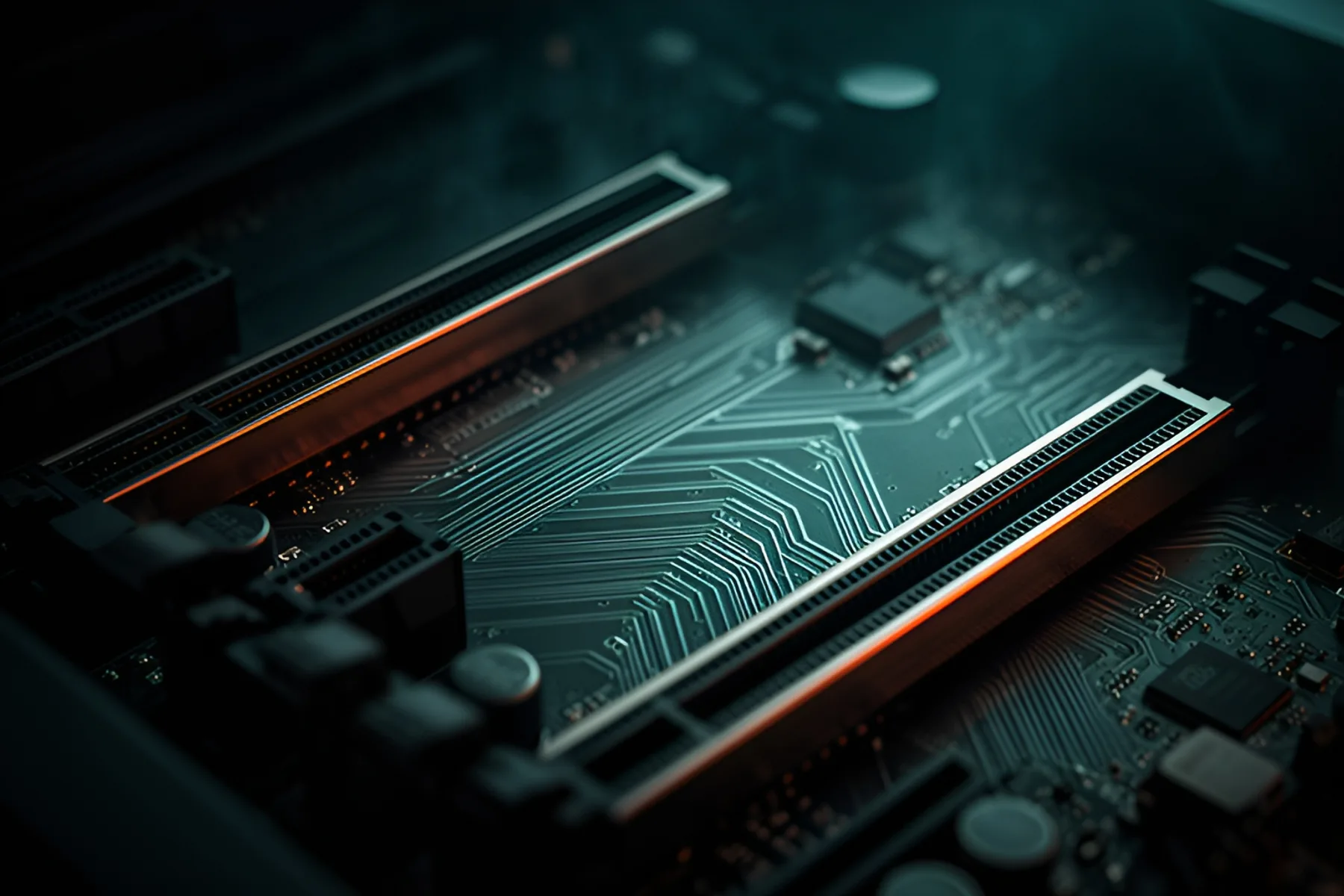
PCIe lanes are the data paths that connect your CPU and chipset to graphics cards, SSDs and everything else on an expansion bus. Your processor and chipset have a fixed number of them. That one fact explains nearly every confusing footnote in a motherboard manual, including the one where filling an M.2 slot switches off a USB port.
Lanes and generations
A lane is a pair of signal paths, one for each direction. Devices use groups of lanes written as x1, x4, x8 or x16, and more lanes means more bandwidth. Each PCIe generation doubles the data rate per lane:
| Generation | Rate per lane | Usable bandwidth per lane, each way | x4 | x16 |
|---|---|---|---|---|
| PCIe 3.0 | 8 GT/s | About 1 GB/s | About 4 GB/s | About 16 GB/s |
| PCIe 4.0 | 16 GT/s | About 2 GB/s | About 8 GB/s | About 32 GB/s |
| PCIe 5.0 | 32 GT/s | About 4 GB/s | About 16 GB/s | About 64 GB/s |
Generations are backward compatible, so a PCIe 5.0 device in a PCIe 4.0 slot runs at PCIe 4.0 speed. It's also why PCIe 5.0 x8 carries about as much data as PCIe 4.0 x16. The lane count on the card matters too. The GeForce RTX 5060 uses a PCIe 5.0 x8 link, so if you drop it into a PCIe 3.0 or 4.0 board you get the older generation's speed on just eight lanes.
CPU lanes and chipset lanes
Lanes come from two places.
CPU lanes run straight from the processor to a device. They're the fastest, and there are only a few of them, so they go to the graphics card and the first M.2 slot or two.
Chipset lanes come from the motherboard's chipset. They're used for extra M.2 slots, SATA, networking and USB, and they all share one uplink back to the CPU. Several busy devices behind the chipset can contend for that link.
| AM5 (Ryzen 9000) | LGA1851 (Core Ultra 9 285K) | |
|---|---|---|
| CPU lanes | 28 total, 24 usable | 24 |
| Generation | PCIe 5.0 | PCIe 5.0 and 4.0 |
| Typical CPU split | x16 graphics, x4 NVMe, x4 more | Up to x16 plus two x4 |
| Link to the chipset | Uses the remaining 4 of the 28 lanes | DMI 4.0, 8 lanes |
Motherboards can also expose fewer PCIe 5.0 lanes than the CPU offers. AMD's chipset table shows B850 boards with PCIe 4.0 graphics as a baseline, for example, and PCIe 5.0 only guaranteed for one NVMe link, though some board makers fit PCIe 5.0 graphics slots on top of that. Check the motherboards in our catalog for what each board actually provides. Our motherboard guide covers how much of this you need to care about.
Bifurcation
Bifurcation splits one wide link into several narrower ones. A CPU's x16 lanes can run as a single x16 to a graphics card, or as two x8 links to two devices.
AMD lists X870E, X870 and B850 as supporting 1x16 or 2x8, while B840 and A620 are limited to 1x16. Intel's Core Ultra 9 285K spec lists 1x16+2x4, 2x8+2x4 or 1x8+4x4. In practice, the split you get depends on the motherboard and a setting in the BIOS. Quad-M.2 adapter cards that split a slot into four x4 links are the common consumer use, and they only work on boards that offer that configuration.
Why filling an M.2 slot can disable something else
Board makers want to offer more M.2 slots and fast USB than the CPU has lanes for, so they share. When you populate a slot, switches on the board redirect lanes away from something else. These are real examples from current boards:
- ASUS TUF Gaming X870-Plus WiFi: the PCIe 5.0 x16 slot drops to x8 when M.2_2 is in use, and a lower PCIe 4.0 x16 slot is disabled when M.2_4 is in use.
- MSI MAG X870 Tomahawk WiFi: the rear USB 40Gbps ports and M2_2 share a PCIe 5.0 x4 link, so both run at x2 when a drive is installed. You can give the drive all four lanes in the BIOS, but that disables those USB ports. Elsewhere on the same board, a lower slot drops to x2 if you fill M2_3.
Sharing isn't automatically bad. A graphics card at PCIe 5.0 x8 still has the bandwidth of PCIe 4.0 x16, which most cards don't saturate. Losing a USB4 port or a whole slot is usually the bigger annoyance.
Before you buy a board or fill a slot, read the footnotes under Expansion Slots and Storage on the spec page. Then put your boot drive in the first CPU-connected slot and add others where they won't cost you anything you use. The PC builder flags many of these conflicts, and the M.2 install guide walks through the physical side.
Common questions
Does PCIe 5.0 matter for gaming?
Rarely today. PCIe 5.0 x16 has far more bandwidth than current games use, and even PCIe 4.0 x16 is plenty for most cards. It matters more on cards with fewer lanes in older slots, since an x8 card only gets half its potential bandwidth on a PCIe 4.0 board.
Will using a second M.2 slot slow down my graphics card?
On some boards, yes. Boards such as the ASUS TUF Gaming X870-Plus WiFi drop the top slot to x8 when a particular M.2 slot is in use. Check your manual first, and put the drive in a slot that doesn't share lanes if you can.
What is PCIe bifurcation?
It's splitting one wide slot into several narrower links, such as x16 into x8 and x8, so that one physical slot can drive more than one device. Your CPU, chipset and BIOS all have to support the split you want.
What's the difference between CPU and chipset PCIe lanes?
CPU lanes run straight to the processor. Chipset lanes go through the motherboard's chipset first, then share a single link back to the CPU. That makes chipset lanes fine for extra storage and USB, but less suited to your graphics card and boot drive.
Sources
R8Keep reading
Explainers · 3 min
AM5 vs LGA1851: Sockets, Chipsets and Upgrade Paths
How AMD's and Intel's current desktop platforms compare on chipset tiers, memory and longevity, and which one leaves you a real upgrade path.
Nov 9, 2026
Explainers · 3 min
DisplayPort vs HDMI: Which to Use and What the Versions Mean
Bandwidth by version, what DSC does, how adaptive sync works over each port, and how to buy a cable that actually carries the signal.
Nov 9, 2026
Guides · 5 min
How to Choose a Motherboard: Chipsets, VRMs, M.2 Lanes and Ports
Pick the cheapest board with the ports, M.2 slots and power delivery you need, and read the lane-sharing fine print before you pay more.
Nov 9, 2026
Bench Notes
One short email a week: price drops worth acting on, launches that matter, and the builds we would actually buy.