R6Explainers · 3 min read
What Is 3D V-Cache, and Do You Need It?
What AMD's stacked cache does, why it helps games more than most other software, and when an X3D chip is worth paying extra for.
PC Parts Reviews Editors · November 9, 2026
The short version
- 3D V-Cache adds a 64 MB L3 cache die to a Ryzen chiplet, which keeps more of a game's data close to the cores.
- X3D chips lead gaming charts, but the gains shrink at high resolutions where the graphics card is the limit.
- If you mostly game, the eight-core Ryzen 7 9800X3D or 9850X3D is the chip to buy, and the 16-core models only pay off when you also need the extra cores.
- Keep AMD's chipset driver current on 12-core and 16-core X3D chips, since it helps steer games to the cache-equipped cores.
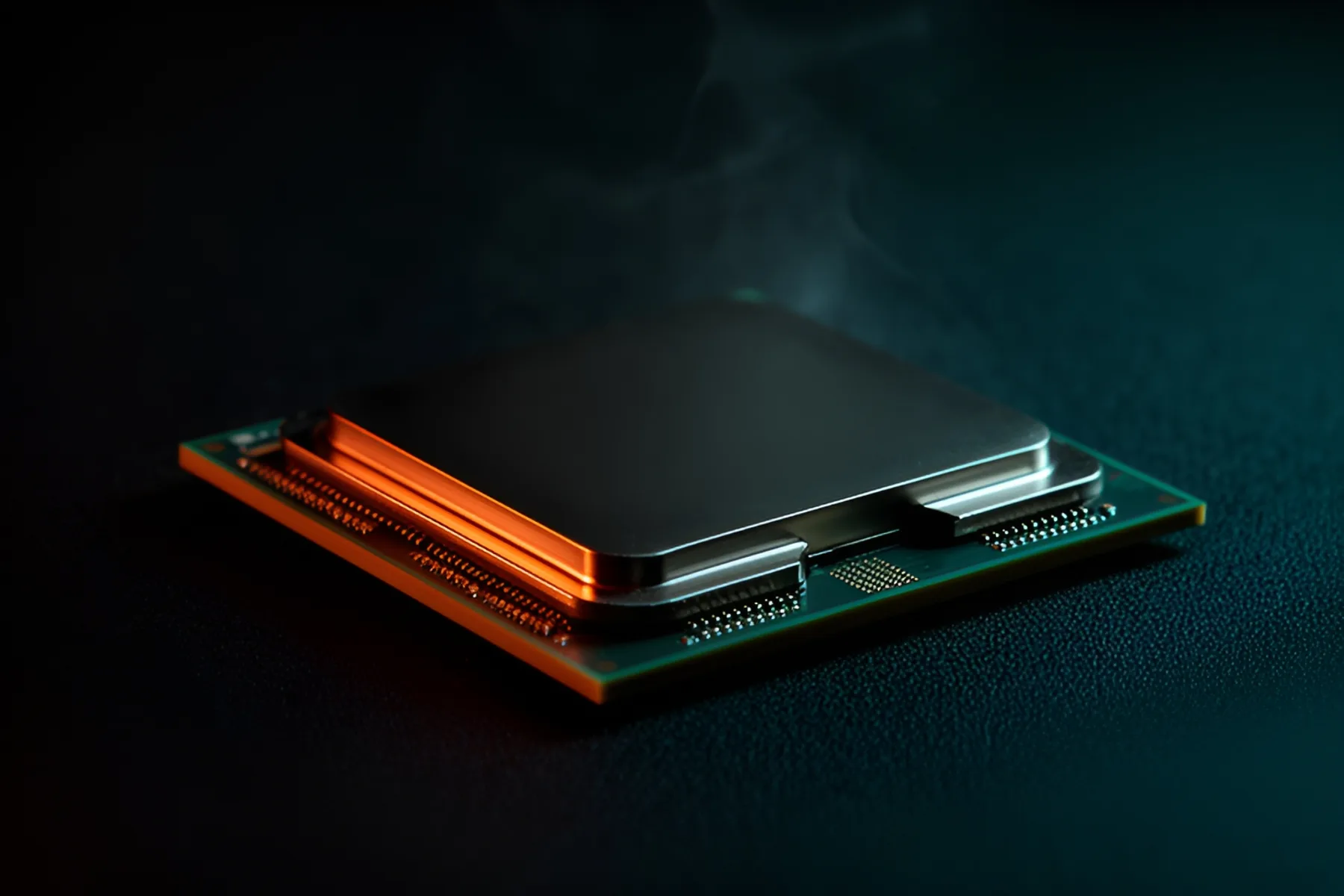
3D V-Cache is extra L3 cache that AMD stacks onto a Ryzen chiplet. It helps one kind of work far more than any other: keeping a game's constantly changing data close to the cores. That's why X3D chips top gaming charts while running at lower clock speeds than some of their rivals, and why they don't win everywhere else.
What the cache does
L3 cache is fast memory on the processor itself. When a core needs data that isn't in cache, it has to reach out to system RAM, which takes far longer. Games tend to touch many small, scattered pieces of data every frame, so those trips happen constantly. A larger L3 keeps more of that data within reach, and the frame rate gains come from waiting less, not from the core running any faster.
The difference in size is large. The Ryzen 7 9700X has 32 MB of L3 cache and the Ryzen 7 9800X3D has 96 MB, thanks to a 64 MB cache die that AMD bonds to the chiplet.
How it's built
AMD connects the cache die to the compute chiplet with copper-to-copper bonding and through-silicon vias, which keeps it close enough to behave like an extension of the normal L3.
On earlier X3D chips, the cache sat on top of the cores, so heat had to pass through it to reach the cooler and clocks were held back. With second-generation 3D V-Cache in Ryzen 9000X3D, AMD moved the cache die below the cores, putting them in direct contact with the path to the cooler. AMD credits that design for higher clocks. The Ryzen 7 9850X3D boosts 400 MHz higher than the chip it succeeds. Our cooler rankings still matter, since these chips can draw substantial power, but the older design's heat penalty is largely gone.
Which chips have it
| CPU | Cores | L3 cache | TDP | Stacked cache on |
|---|---|---|---|---|
| Ryzen 7 9800X3D | 8 | 96 MB | 120 W | Its one compute chiplet |
| Ryzen 7 9850X3D | 8 | 96 MB | 120 W | Its one compute chiplet |
| Ryzen 9 9900X3D | 12 | 128 MB | 120 W | One of two chiplets |
| Ryzen 9 9950X3D | 16 | 128 MB | 170 W | One of two chiplets |
| Ryzen 9 9950X3D2 Dual Edition | 16 | 192 MB | 200 W | Both chiplets |
On the 12-core and 16-core models with one cached chiplet, games need to land on the right cores. AMD's chipset drivers handle that scheduling, so keep them up to date. Tom's Hardware notes AMD has refined those drivers, and some titles still rely on a compatibility list of games.
Where it helps
Games at high refresh rates. In Tom's Hardware's CPU hierarchy, tested at 1080p with an RTX 5090, X3D chips dominate. The 9850X3D is first, and the 9800X3D delivers about 97% of its gaming performance. That's a useful measure of how little you give up by choosing the cheaper chip.
CPU-heavy games. Simulation, strategy and open-world titles that churn through memory tend to gain the most. Expect that to apply even when your frame rate isn't especially high.
Some specialized workloads. The 9950X3D2 gives both chiplets the larger cache. Tom's Hardware found it matches the 9800X3D in games and runs about 4% faster than the 9950X3D in multi-threaded tests, with bigger gains in niche data science workloads.
Where it doesn't
Most general productivity work cares more about core count and clocks, so a non-X3D chip often offers better value there. At 4K, your graphics card is usually the bottleneck, which narrows the gap between CPUs. Cache won't rescue a weak GPU.
Is it worth paying for
For a gaming PC with a capable graphics card, yes. The 9800X3D and 9850X3D are the chips to buy, because the 16-core versions add cost without adding frame rates. Tom's Hardware's testing puts the 9950X3D2 level with the 9800X3D in games at a much higher price.
If you game at 4K with a mid-range card, spend the difference on the graphics card instead. If you edit video or render, look at core count first, and consider the 9950X3D only if you also want top gaming speed. Compare specific chips in our CPU category, the CPU rankings and the tier list, and use the CPU buying guide to weigh the options. X3D chips fit any AM5 board, though a 600-series model may need a BIOS update first.
Common questions
Does 3D V-Cache help at 4K?
Less than at 1080p. At 4K the graphics card is usually the limit, so faster CPUs show smaller gains. It can still help in CPU-heavy games and with minimum frame rates, especially if you use upscaling.
Can you overclock X3D CPUs?
AMD lists the Ryzen 9000 X3D chips as unlocked for overclocking. Its pages also state that the product warranty doesn't cover damage from overclocking, so treat it as an optional extra at your own risk.
Is an X3D chip worth it for video editing or 3D rendering?
Not as a rule, because those workloads usually care more about core count and clocks. A non-X3D 16-core chip is often the better buy for that work. Some specialized workloads do benefit from the cache, so check benchmarks for your application.
Which X3D CPU should I buy for gaming?
The Ryzen 7 9800X3D or 9850X3D. Tom's Hardware ranks the 9850X3D first for gaming, with the 9800X3D close behind. Paying for more cores adds little if you only game.
Sources
- AMD 3D V-Cache™ Technology · AMD
- AMD Ryzen™ 7 9800X3D Desktop Processor · AMD
- CPU Benchmarks and Hierarchy 2026: CPU Rankings · Tom's Hardware
- AMD Ryzen 9 9950X3D2 review: More cache, more cash · Tom's Hardware
- AMD Ryzen 9 9950X3D Review: Stunning gaming performance meets top-tier productivity · Tom's Hardware
R8Keep reading
Explainers · 3 min
AM5 vs LGA1851: Sockets, Chipsets and Upgrade Paths
How AMD's and Intel's current desktop platforms compare on chipset tiers, memory and longevity, and which one leaves you a real upgrade path.
Nov 9, 2026

Explainers · 3 min
DisplayPort vs HDMI: Which to Use and What the Versions Mean
Bandwidth by version, what DSC does, how adaptive sync works over each port, and how to buy a cable that actually carries the signal.
Nov 9, 2026
Guides · 5 min
How to Choose a CPU in 2026
Games want cache and heavy work wants cores. Pick between Ryzen 9000 and Core Ultra 200S, weigh socket lifespan, and learn when to keep your chip.
Nov 9, 2026
Bench Notes
One short email a week: price drops worth acting on, launches that matter, and the builds we would actually buy.