R6Guides · 5 min read
How Much RAM Do You Need in 2026?
16 GB is the floor and 32 GB is the target. Choose capacity, DDR5 speed and kit layout, and find out how to buy while memory prices are this high.
PC Parts Reviews Editors · November 9, 2026
The short version
- Buy 32 GB for a gaming or streaming PC you plan to keep, and treat 16 GB as the floor when the budget forces it.
- Buy two sticks rather than four, because four-stick setups run at much lower official speeds and are harder to keep stable.
- Aim for DDR5-6000 on Ryzen and enable EXPO or XMP in the BIOS, or the kit will run below its rated speed.
- During the shortage, spend less on speed and lighting before you spend less on capacity, and price a prebuilt before buying DDR5 at retail.
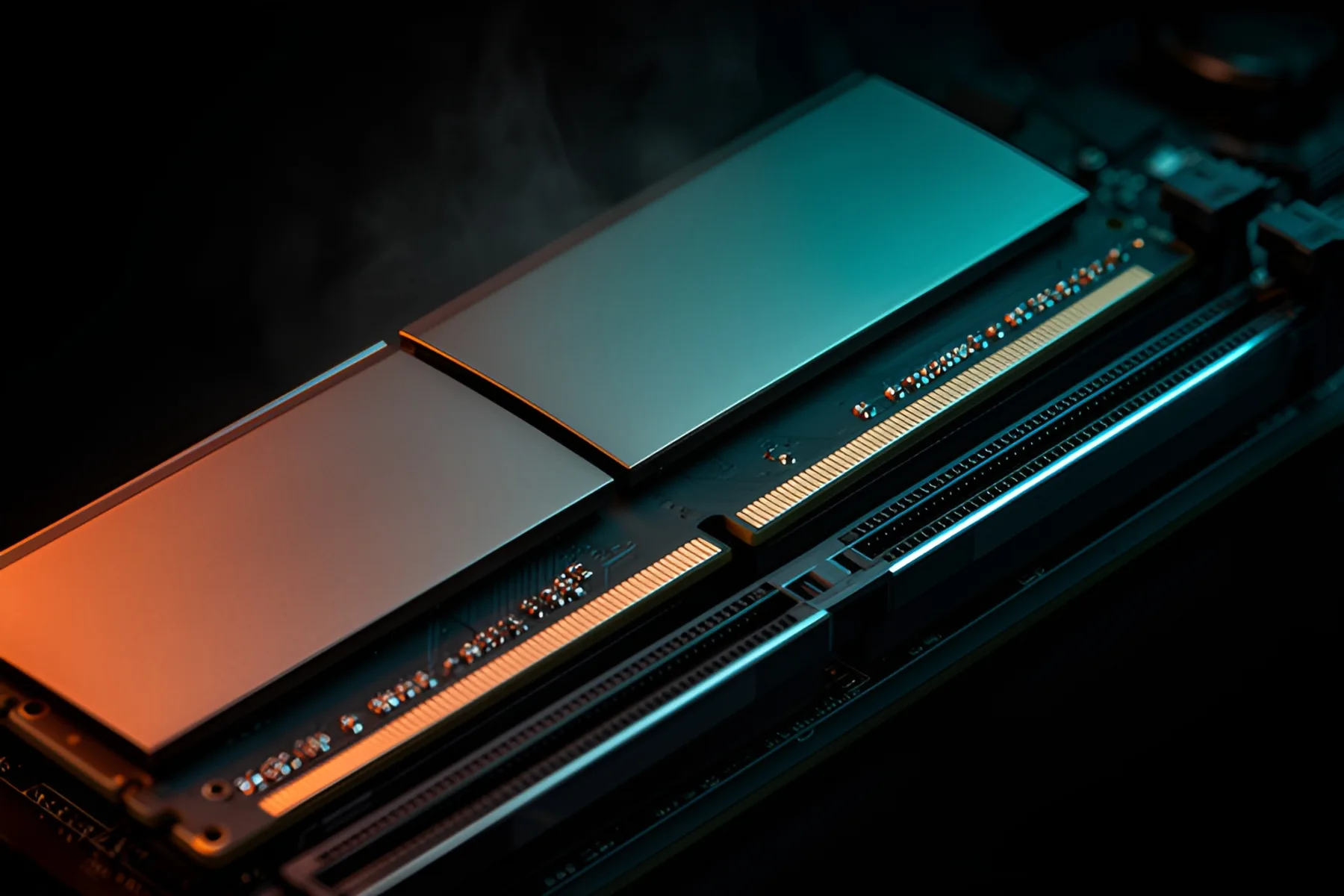
Buy 32 GB in two sticks if you are building a gaming or streaming PC to keep for years, and 16 GB if the budget forces it. Anything beyond that should be justified by a specific workload. Memory used to be one of the cheap parts of a build. The shortage has made it one of the most expensive, so it pays to buy exactly what you need and nothing extra.
Capacity by use
| What you do | Buy | Notes |
|---|---|---|
| Web, office, light photo editing | 16 GB | Windows 11 needs only 4 GB to install, but 8 GB feels cramped today |
| Gaming | 32 GB, or 16 GB at minimum | 16 GB and 32 GB are the two most common amounts on Steam |
| Gaming while streaming | 32 GB | Games, OBS, a browser and chat add up quickly |
| Video editing | 32 GB, 64 GB for heavier projects | Adobe recommends 16 GB for HD and 32 GB or more for 4K |
| 3D, CAD, virtual machines, local AI | 64 GB or more | Capacity is the limit here, so spend on it |
Steam's October 2026 survey shows 16 GB on about 41 percent of systems and 32 GB on about 37 percent, so developers still build around 16 GB as a practical baseline. It works, but it leaves little margin.
To see where you stand, open Task Manager during your heaviest session and look at memory in use on the Performance tab. If you regularly sit above about 85 percent, capacity is holding you back. If you never pass 60 percent, more memory will do nothing.
DDR5 speed and timings
Aim for DDR5-6000 on a Ryzen build. AMD's own gaming test systems use it, and most kits aimed at AM5 in our memory category sit at that speed. Above about DDR5-6000 to 6400, Ryzen moves its memory controller to a slower ratio, which usually erases the gain, so faster kits are rarely worth it on AM5. Intel's Core Ultra 200S chips officially support up to DDR5-6400, and the 200S Plus models go to DDR5-7200.
Two numbers define a kit: transfer rate in MT/s and CAS latency, or CL. Neither means much alone. Multiply CL by 2,000 and divide by the transfer rate to get first-word latency in nanoseconds.
| Kit | First-word latency |
|---|---|
| DDR5-6000 CL30 | 10.0 ns |
| DDR5-6400 CL32 | 10.0 ns |
| DDR5-7200 CL36 | 10.0 ns |
| DDR5-6000 CL36 | 12.0 ns |
A faster-sounding kit is not always a quicker one, as the top three rows show. Tighter timings help most on chips without a large cache, and X3D processors are less sensitive to memory because the extra cache handles more of the work. AMD says kits under its new EXPO Ultra Low Latency label add about 4 percent average frame rate over standard EXPO kits in its own testing, so timings matter a little and rarely justify a large premium in this market.
EXPO and XMP
Out of the box, memory runs at a slower default speed set by the industry standard. To reach the speed on the box, you enable a profile in the BIOS: EXPO on AMD and XMP on Intel. Many kits carry both, such as Corsair's Vengeance RGB DDR5-6000 CL30, while some list only one. G.Skill's Trident Z5 Neo DDR5-6000 is EXPO only. Match the profile to your platform when you can: most XMP kits work on AM5, but EXPO kits are validated for Ryzen, and Intel boards may not offer a one-click option for an EXPO-only kit.
Our EXPO and XMP guide shows the steps. Expect the first boot after enabling a profile to take longer while the system trains the memory. AMD and Intel both treat these profiles as overclocking, which can affect your warranty, although memory profiles are about as routine as overclocking gets.
Two sticks beat four
Buy your total capacity in two sticks. With four, each memory channel drives two modules, the electrical load rises and signal margins shrink, so the controller has to run slower or with looser timings. The official numbers make the point. AMD rates the Ryzen 7 9800X3D at DDR5-5600 with two sticks and DDR5-3600 with four.
Boards show the same pattern at overclocked speeds. MSI rates its MAG Z890 Tomahawk WiFi at up to 9200+ MT/s with one single-rank stick per channel, 7200+ with one dual-rank stick per channel, 6400+ with two single-rank sticks per channel and 5600+ with two dual-rank sticks per channel.
So if you need 64 GB, buy two 32 GB sticks. Corsair sells DDR5-6000 64 GB as both a 2×32 GB CL30 kit and a 4×16 GB CL36 kit, and the four-stick version has the looser timings. Avoid mixing kits, even of the same model, because they are only tested as sold. Install two sticks in the slots your motherboard manual specifies, which is usually the second and fourth from the CPU, so the kit runs in dual channel. Our motherboard guide covers slot counts by form factor.
What to do during the shortage
Prices are far above launch levels, and Micron is winding down its consumer brand, which removes a popular budget option. Work through these in order.
- Give up speed before capacity. On November 9, Corsair's white RGB DDR5-6000 32 GB kit cost about a fifth less in CL36 than in CL30, and the cheapest DDR5-5600 32 GB kit in our catalog cost about half as much as DDR5-6000 CL30.
- Skip the lighting if there is a price gap. RGB does nothing for performance.
- Keep DDR4 if you already have it. A 32 GB DDR4-3200 kit cost about half as much as a comparable DDR5-6000 kit, and AM4 and LGA1700 still have good CPUs available. Our CPU guide covers drop-in upgrades.
- Price a prebuilt before buying retail DDR5. Builders that bought memory early can sell some complete systems for less than their parts. See prebuilt vs custom.
- Reuse DDR5 you already own. Carrying over a kit saves more than almost any other single decision in a new build.
- Think twice before buying one stick. A single 16 GB module leaves room to add another later, but it halves memory bandwidth, and a later stick may not match. Two 8 GB sticks are a better short-term choice if you plan to replace them entirely.
Avoid unknown marketplace sellers with prices that look too good, because this is exactly the kind of market that attracts them. And do not wait for a bottom you cannot predict. Our report on why RAM and SSD prices are so high lays out what is driving this, and whether now is a good time to build looks at timing.
Common questions
Is 16 GB of RAM enough for gaming in 2026?
Yes for most games at 1080p and 1440p if you close other apps, and it is still the most common amount in Steam's survey. It leaves little margin for newer releases or for Discord and a browser running alongside. Choose 32 GB if the budget allows.
Is 64 GB worth it for gaming?
No. Games do not use that much, and at current prices the money does far more on the graphics card. Buy 64 GB for video editing, 3D work, virtual machines or local AI models.
Can I add a second kit to get more memory?
You can try, but kits are only tested as sold, so a second matching kit is not guaranteed to run at the same speed. Four sticks also lower the speeds your platform officially supports. A single two-stick kit of the capacity you need is the safer buy.
Do I need EXPO or XMP?
You need one of them to reach the speed printed on the box, because memory otherwise runs at a slower default. AMD systems use EXPO and Intel systems use XMP, and many kits carry both. It is a single BIOS setting.
Should I wait for RAM prices to drop?
Only if your current PC still does its job. Micron has said meaningful new supply may not arrive until at least 2028, while Acer's CEO expects PC prices to start easing in the second half of 2027. Nobody can time this reliably, so buy when you need to and buy only what you need.
Sources
- AMD Ryzen™ 7 9800X3D Desktop Processor · AMD
- MAG Z890 TOMAHAWK WIFI | Gaming Motherboards|Best Motherboard for AI PC|MSI · MSI
- Steam Hardware & Software Survey · Valve
- Adobe Premiere system requirements | Premiere · Adobe
- Micron addresses Crucial exit backlash: 'We are trying to help consumers around the world' · Tom's Hardware
R8Keep reading
Guides · 7 min
Prebuilt vs Custom PC in 2026: When Each One Wins
Memory prices have changed the math. Learn when a prebuilt beats building your own, and how to spot weak parts hiding in any spec sheet.
Nov 9, 2026
News · 3 min
Why RAM and SSD Prices Are So High
AI data centers are buying memory faster than factories can make it. Here is what caused the shortage, what is disputed and how to buy around it.
Nov 9, 2026
Guides · 6 min
How to Build a Complete Desk Setup Around Your PC
Plan the monitor, arm, peripherals, audio, webcam, networking, UPS and cables as one system, and spend first where you will feel it every day.
Nov 9, 2026
Bench Notes
One short email a week: price drops worth acting on, launches that matter, and the builds we would actually buy.