R6Guides · 5 min read
How to Choose a PC Case and Cooling
Check GPU length, cooler height and radiator room first, then choose air or liquid for your CPU and set up fans for airflow without the noise.
PC Parts Reviews Editors · November 9, 2026
The short version
- Check GPU length, CPU cooler height and radiator support against the case's spec sheet before you buy any of the three.
- Choose a mesh front panel unless looks matter more to you than temperature and noise.
- Use a dual-tower air cooler for chips up to about 170 W, and move to a 360 mm liquid cooler for sustained loads on chips that draw 230 W or more.
- Start with two front intakes and one rear exhaust, and add fans only if temperatures or noise tell you to.
- Go below 20 liters only if size is the point, because small cases cost more and limit cooling and part choice.
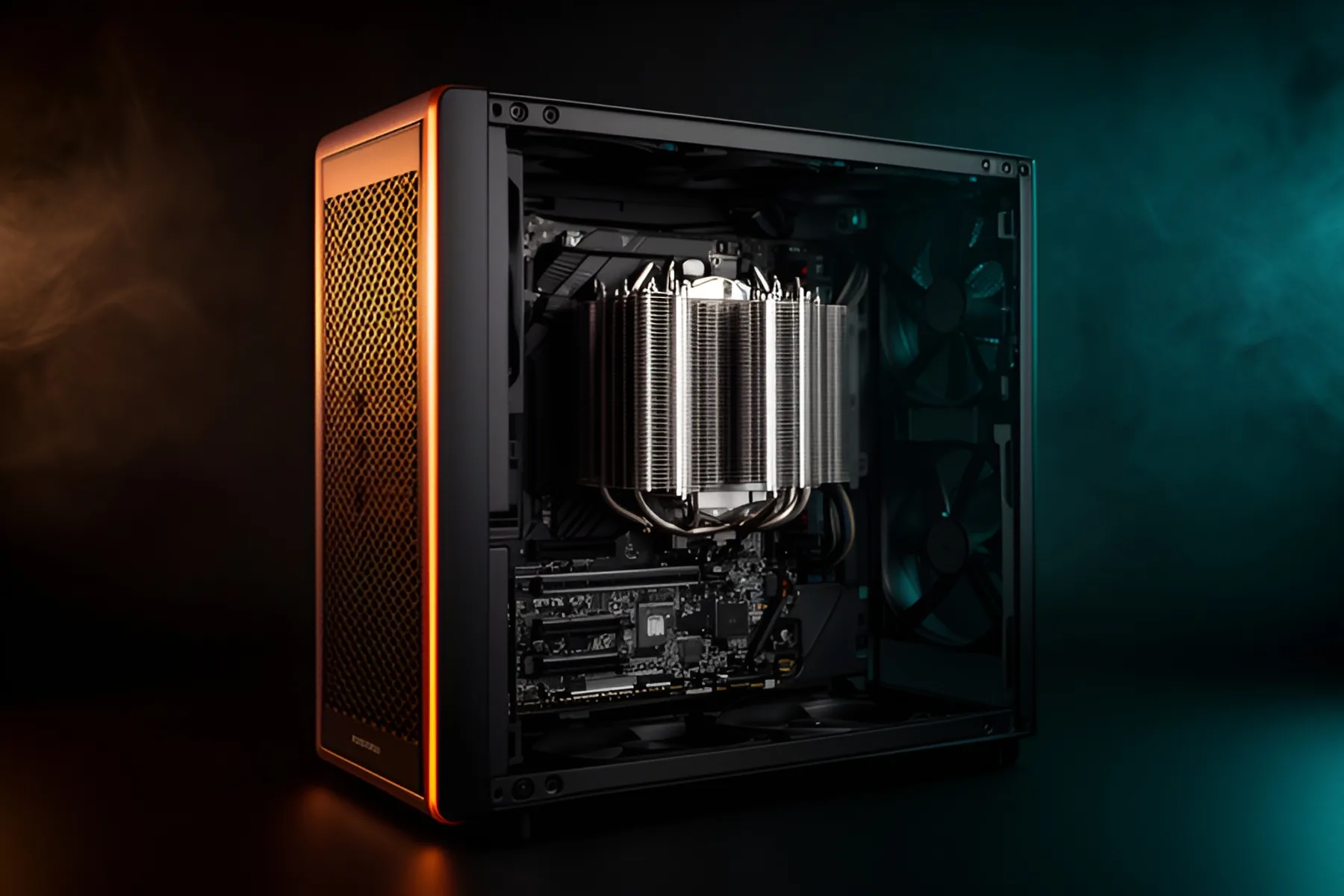
Measure first and buy second. A case and a cooler are one decision, because the case sets how long a graphics card, how tall an air cooler and how large a radiator you can use. Pick them together, and you will not end up with a 360 mm radiator and nowhere to mount it.
Check three clearances
Every case lists these limits on its spec sheet. Compare them with your parts, or let the PC builder do it.
Graphics card length. Cards now range from under 200 mm to 360 mm. Most mid-towers leave plenty of room: the NZXT H5 Flow RGB allows 410 mm and the Fractal Meshify 2 allows 470 mm. Tighter cases need checking. The DeepCool CH560 and Lian Li Lancool 217 stop at 380 mm, and Fractal's North allows 355 mm, or 300 mm with a 360 mm radiator up front. Width matters too, and you need room beyond the end or top of the card for the power cable to exit straight.
CPU cooler height. Tower coolers commonly stand 155 mm to 168 mm tall, and cases vary more than you might expect. The Thermalright Peerless Assassin 120 SE is 155 mm and the Noctua NH-D15 G2 is 168 mm. That Noctua will not fit the NZXT H9 Flow, which allows 165 mm, or the Lian Li O11 Dynamic Evo, which allows 167 mm, and the Chalk White Fractal North lists just 145 mm. Check memory height as well, because tall modules can collide with an air cooler's front fan on some boards.
Radiator support. Check the position as well as the size. The NZXT H5 Flow RGB takes up to a 240 mm radiator on top but a 360 mm in front. The Antec C8 has no front radiator mount at all and uses the top, side and bottom instead. The Fractal Torrent takes up to 420 mm in front and nothing on top. Leave room for the radiator's thickness and fans too, especially near tall memory or VRM heatsinks.
Airflow patterns
Choose the layout before the look. Most towers use a front-to-back path: cool air comes in the front and leaves through the top and rear. It is simple, predictable and easy to keep quiet, and it works best behind a mesh or vented front panel.
Dual-chamber cases, such as the Hyte Y40, Lian Li O11 Dynamic Evo and NZXT H9 Flow, hide the power supply and cables behind the motherboard and usually pull air in from the side and bottom. They look great and can cool well, but they rely on correct fan placement and are less forgiving of mistakes.
A solid front panel with narrow side vents limits how much air can get in, however many fans sit behind it. Unless looks matter more to you than temperature and noise, buy a case with a mesh front. Names like Flow, Meshify and Airflow are usually a good clue, and our case category and rankings list current options.
Air or liquid, by CPU
Plan around your chip's maximum power. These figures come from Tom's Hardware's CPU hierarchy.
| CPU | Maximum power | What to buy |
|---|---|---|
| Ryzen 5 9600X, Ryzen 7 9700X | 88 W | A basic single-tower cooler |
| Core Ultra 5 250K Plus | 159 W | A good dual-tower cooler |
| Ryzen 7 9800X3D, 9850X3D | 162 W | A good dual-tower or 240 mm liquid |
| Ryzen 9 9950X, 9950X3D | 230 W | A large dual-tower or 360 mm liquid |
| Core Ultra 7 270K Plus, Core Ultra 9 285K | 250 W | 360 mm liquid for sustained work |
| Ryzen 9 9950X3D2 | 270 W | 360 mm liquid |
Air is the default. It is cheaper, it has no pump to fail, and dual towers are very good now. AMD recommends liquid for the 9800X3D to get the best results, yet Tom's Hardware's GPU test bench runs that chip under a dual-tower Thermalright air cooler, which is a fair sign that air suits gaming use.
A 360 mm liquid cooler earns its place in three situations: sustained all-core loads on chips drawing 230 W or more, cases too narrow for a tall tower, and builds where you want a clear view of the memory. LCD pump heads add cost without helping temperatures, so treat those as decoration. In our cooler category, dual towers and some 360 mm units sit near the bottom of the price range, while premium LCD models can cost several times as much.
Check the socket list too. The DeepCool AK620 we list names AM5, AM4, LGA1700 and LGA1200 but not LGA1851. LGA1851 uses the same hole spacing as LGA1700, so it may still fit, but confirm with the maker first. Apply paste correctly with our thermal paste guide.
Fan count and direction
Start with two front intakes and one rear exhaust. Many cases include these, or more: the Fractal Torrent RGB includes five fans and the Antec Flux Pro includes six. Add a top exhaust if your graphics card or CPU still runs hot, and stop when temperatures stop improving, because each extra fan does less than the last.
Aim for slightly more intake than exhaust. That creates positive pressure, so air enters through the filtered openings instead of being pulled through every unfiltered gap, and you clean the case less often. Fans blow out of the side with the support struts, and most frames have arrows showing direction.
Radiators follow the same logic. Mount them at the top as exhaust when you can, so CPU heat leaves the case directly. A front-mounted radiator works as intake and gives the CPU the coolest air, at the cost of warming the graphics card slightly. More case fans can help a graphics card that recirculates its own hot air, especially with bottom intakes in dual-chamber cases.
Noise
Fix noise with fan curves before you buy anything. Set your CPU and case fans to ramp gently with temperature so they do not spike on brief loads. Larger fans moving the same air at lower speed are quieter, so 140 mm beats 120 mm where the case allows.
Under gaming load, the graphics card is often the loudest part. A case that lets it breathe will usually be quieter overall than a sealed case with sound dampening, because the fans can spin slower. Mesh does let more noise escape, though. If you do mostly light work and rarely stress the PC, a quieter closed panel may suit you better.
Small form factor tradeoffs
Go under 20 liters only if size is the point. The Fractal Terra is 10.4 liters and limits you to a 48 mm cooler, a 322 mm graphics card and an SFX or SFX-L power supply. The Lian Li Q58 is 14.5 liters with room for a 67 mm cooler and a 320 mm card. Those limits rule out tower coolers and the longest flagship graphics cards.
Expect higher costs, too. Mini-ITX boards carry a premium, SFX power supplies cost more per watt, and low-profile coolers such as the Noctua NH-L12S or Thermalright AXP120-X67 have less capacity than towers, so a 65 W to 120 W CPU is the realistic range. Check everything twice, including memory height under the cooler.
If you want something smaller than a mid-tower without those compromises, a compact Micro-ATX case gets you most of the way there. The Lian Li A3-mATX is 26.3 liters and still fits a 415 mm graphics card and a 165 mm cooler. Our power supply guide covers SFX in more detail.
Common questions
Is an AIO better than air cooling?
Not automatically. A good dual-tower air cooler matches a 240 mm liquid cooler on most gaming CPUs for far less money and has no pump to fail. A 360 mm AIO earns its cost on chips that sustain 230 W or more, or in builds where a tall air cooler will not fit.
How many case fans do I need?
Two front intakes and one rear exhaust handle most builds. Many cases include some or all of those. Add a top exhaust or extra intake if your graphics card runs hot, and stop when temperatures stop improving.
Should fans push or pull air into the case?
Set up slightly more intake than exhaust. That creates positive pressure, so air enters through the filtered openings and less dust gets drawn through gaps. The arrows on the fan frame show airflow direction.
Do I need a special cooler for LGA1851?
Most current coolers support it, but check the cooler's socket list, because some older models stop at LGA1700. Intel says LGA1700 and LGA1851 coolers are mechanically similar, and AM5 uses its own mounting.
Sources
R8Keep reading
Guides · 7 min
Prebuilt vs Custom PC in 2026: When Each One Wins
Memory prices have changed the math. Learn when a prebuilt beats building your own, and how to spot weak parts hiding in any spec sheet.
Nov 9, 2026

Guides · 6 min
How to Build a Complete Desk Setup Around Your PC
Plan the monitor, arm, peripherals, audio, webcam, networking, UPS and cables as one system, and spend first where you will feel it every day.
Nov 9, 2026
Guides · 5 min
How Much RAM Do You Need in 2026?
16 GB is the floor and 32 GB is the target. Choose capacity, DDR5 speed and kit layout, and find out how to buy while memory prices are this high.
Nov 9, 2026
Bench Notes
One short email a week: price drops worth acting on, launches that matter, and the builds we would actually buy.