R6Guides · 5 min read
How to Choose a Power Supply: Wattage, ATX 3.1 and Warranty
Size your PSU from real peak load, choose ATX 3.1 with a native 12V-2x6 cable, and learn what efficiency badges and warranties actually prove.
PC Parts Reviews Editors · November 9, 2026
The short version
- Add the graphics card's rated power, the CPU's maximum power and 100 W, then choose a supply where that total sits near three-quarters of the rating.
- Buy ATX 3.1 with a native 12V-2x6 cable for any new mid-range or high-end build, because those units are designed to ride out short power spikes.
- Treat 80 PLUS as an efficiency label only, since it says nothing about noise, protections, ripple or transient response.
- Choose SFX only when the case requires it, because it costs more per watt and usually runs a smaller fan.
- Prefer seven to ten years of warranty on a unit you plan to carry across several builds.
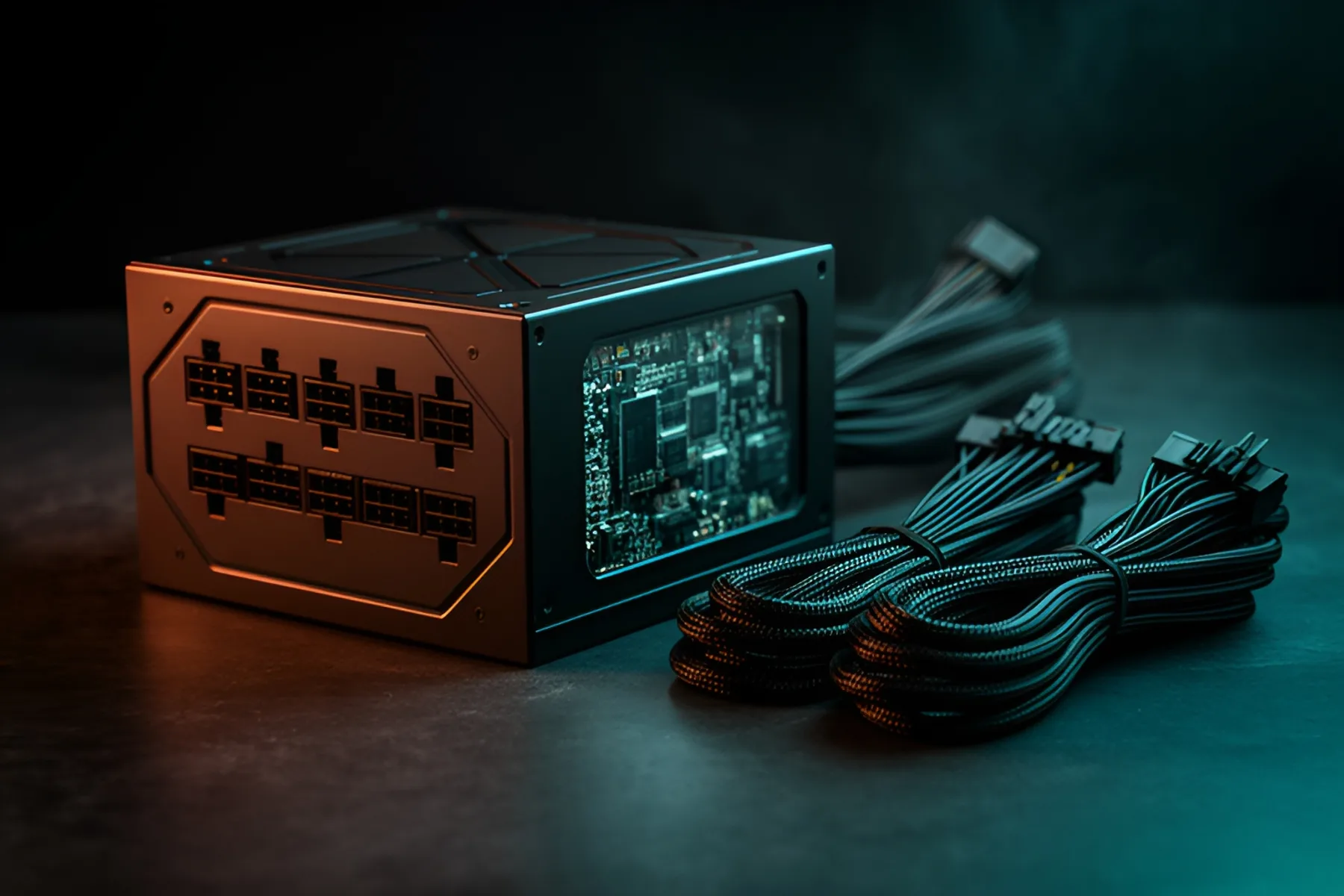
Buy a modular ATX 3.1 unit from a maker with a long warranty, sized so your full-load draw sits near three-quarters of its rating. The power supply is the part most likely to outlast everything else in your PC, and the one most people underthink. A good one moves with you across several builds, while a bad one can take other parts with it when it fails.
Size it from peak load
Use the part makers' figures and do the sum. Add the graphics card's rated power, the CPU's maximum power and 100 W for the rest of the system, then pick a supply where that total lands at about 75 percent of the rating.
| Example build | GPU | CPU maximum | Plus 100 W | Good PSU |
|---|---|---|---|---|
| Ryzen 5 9600X, RTX 5060 | 145 W | 88 W | 333 W | 550 W |
| Ryzen 7 9800X3D, RX 9070 XT | 304 W | 162 W | 566 W | 750 W |
| Ryzen 7 9800X3D, RTX 5080 | 360 W | 162 W | 622 W | 850 W |
| Core Ultra 7 270K Plus, RTX 5070 Ti | 300 W | 250 W | 650 W | 850 W |
| Ryzen 9 9950X3D, RTX 5090 | 575 W | 230 W | 905 W | 1,000 to 1,200 W |
Check the result against the graphics card maker's number. NVIDIA asks for 550 W with an RTX 5060, 650 W with an RTX 5070, 750 W with an RTX 5070 Ti, 850 W with an RTX 5080 and 1,000 W with an RTX 5090, based on a system with a Ryzen 9 9950X. AMD's minimum for the RX 9070 XT is 750 W. Board partners can ask for more, so read the page for your exact card.
Three-quarters is a margin, not a law. Games rarely load the CPU and GPU fully at the same moment, so real draw is usually lower. The extra room keeps the fan slow, leaves space for a future upgrade and covers the spikes described below. The PC builder adds up your parts for you.
Transients and why ATX 3.x matters
Modern graphics cards spike far above their rated power for fractions of a second. Older supplies could see those spikes as a fault and trip their over-power protection, shutting the PC off mid-game. ATX 3.0 and 3.1 units are built to tolerate those excursions: MSI describes the standard as allowing about twice the supply's total rating and three times the graphics card's power during very short spikes.
This is why you no longer need to massively oversize. It also means a good 750 W or 850 W ATX 3.1 unit is a safer pairing for a high-power card than a larger unit from an older generation.
ATX 3.1 and 12V-2x6
ATX 3.1 with the 12V-2x6 connector is the current standard. 12V-2x6 is a revised 16-pin connector rated for up to 600 W, with shorter sense pins so the graphics card will not draw full power unless the plug is fully seated. NVIDIA also recommends a PCIe CEM 5.1 compliant supply for its RTX 50 cards.
What to look for:
- A native 12V-2x6 cable in the box, so you do not need an adapter.
- The right 8-pin count if your card uses them. RX 9070 XT cards typically need two or three, and some ATX 3.1 units ship with fewer standalone 8-pin cables than you would expect.
- Connector protection if you want extra peace of mind on a very high-power card. MSI's GPU Safeguard feature, for example, warns about abnormal current on the connector.
Plug it in carefully and do not bend the cable tightly near the connector. Our 12V-2x6 guide shows how. Older ATX 2.x units such as the Corsair CX650 remain fine for low-power cards that use a single 8-pin connector, so an RTX 5060 build does not strictly need a new standard.
What efficiency ratings do not tell you
80 PLUS is a certification for efficiency and power factor at set loads, with levels from Standard through Bronze, Gold, Platinum and Titanium to the newer Ruby. Cybenetics runs a parallel program with ETA for efficiency and LAMBDA for noise, and many current units carry its badges.
These labels are useful and narrow. An 80 PLUS sticker tells you nothing about ripple, voltage regulation, transient response, protection circuits, fan noise or component quality. Only independent testing covers those. One Tom's Hardware review of a current ATX 3.1 unit shows why: it found strong electrical performance from mid-tier components, a mixed picture no badge could convey.
Gold is plenty for most builds. At a typical 400 W gaming load, the gap between a Gold and a Platinum unit is about 2 percentage points, or roughly 10 W at the wall. At three hours of gaming a day, that adds up to around 10 kWh a year.
Modular cables
Choose fully modular if the price gap is small. You install only the cables you use, which makes cable routing easier and helps airflow, especially in compact cases. Most ATX 3.1 units in our power supply category are fully modular.
Never mix modular cables between power supplies unless the maker confirms they are compatible. Pinouts at the supply end are not standardized, even between models from the same brand, and the wrong cable can destroy components. Keep each set with its unit. A non-modular supply is fine on a budget build with few drives, as long as your case has somewhere to hide the spare leads.
SFX vs ATX
Buy ATX unless the case forces SFX. Cases such as the Fractal Terra accept only SFX or SFX-L units, and for those builds the format has come a long way: Corsair's SF1000 and Cooler Master's V SFX Platinum 1100 reach 1,000 W and above.
The trade-offs are cost and noise. On November 9, Corsair's SF750 cost about 50 percent more than its RM750x. Corsair's SF units use a 92 mm fan where ATX models run 120 to 140 mm, so SFX units can be louder under load. SFX-L units such as the SilverStone SX1000R fit a 120 mm fan at the cost of 30 mm more length.
Length matters in ATX too. Units in our catalog range from 122 mm to 190 mm, and cases list a maximum. The DeepCool CH560 allows 170 mm, which rules out the longest models. See the case and cooling guide for how to measure.
Warranty as a signal
Warranty length tells you how much the maker is willing to stand behind a unit. In our catalog, Corsair's CX650 has five years, its RM750e seven and its RM750x ten, and Cooler Master, MSI and Montech also offer ten years on selected models. A long warranty does not prove quality, but a short one on an expensive unit is a warning.
Aim for at least five years on a budget build and seven to ten on anything you plan to carry across upgrades. Then use a review to confirm the unit behind the sticker: our power supply rankings are a good place to start.
Common questions
Is an 850 W power supply enough for an RTX 5080?
Yes, 850 W matches NVIDIA's requirement for that card, assuming a typical high-end CPU. With a 250 W processor such as a Core Ultra 7 270K Plus, you are close to the limit under full load, so 1,000 W buys more margin and quieter operation.
Do I need ATX 3.1 if I already have a good power supply?
Not necessarily. A good older unit with enough 8-pin outputs and wattage can run most mid-range cards. ATX 3.1 is the better purchase for a new build or a high-power card, because it handles short spikes better and comes with a native 12V-2x6 connector.
Can I reuse modular cables from another power supply?
No, not unless the maker confirms they are compatible. Pinouts at the power supply end are not standardized, even between models from the same brand, and the wrong cable can destroy components. Keep each cable set with its own unit.
Is Platinum worth paying for over Gold?
Rarely at home. At a typical 400 W gaming load the difference is about 10 W at the wall, which comes to around 10 kWh a year at three hours of play a day. Buy Platinum for quiet operation or build quality if a specific unit is better, and spend the difference elsewhere otherwise.
Sources
- Compare Current and Previous GeForce Series of Graphics Cards | NVIDIA · NVIDIA
- ATX 3.0 - The Best Power Supply Units for Your GeForce RTX 40 series · MSI
- What is 80 PLUS® certification program? | CLEAResult · CLEAResult
- Cybenetics Labs – PSU and Cooling Product Performance Certifications · Cybenetics
- Corsair RM1000e ATX 3.1 power supply review | Tom's Hardware · Tom's Hardware
R8Keep reading
Guides · 7 min
Prebuilt vs Custom PC in 2026: When Each One Wins
Memory prices have changed the math. Learn when a prebuilt beats building your own, and how to spot weak parts hiding in any spec sheet.
Nov 9, 2026

Guides · 6 min
How to Build a Complete Desk Setup Around Your PC
Plan the monitor, arm, peripherals, audio, webcam, networking, UPS and cables as one system, and spend first where you will feel it every day.
Nov 9, 2026
Guides · 5 min
How Much RAM Do You Need in 2026?
16 GB is the floor and 32 GB is the target. Choose capacity, DDR5 speed and kit layout, and find out how to buy while memory prices are this high.
Nov 9, 2026
Bench Notes
One short email a week: price drops worth acting on, launches that matter, and the builds we would actually buy.