R6Guides · 5 min read
How to Choose a Graphics Card in 2026
Start from your monitor, then check VRAM, upscaling support, ray tracing, power draw and case fit before you pay today's street prices.
PC Parts Reviews Editors · November 9, 2026
The short version
- Choose the card your monitor needs, because a tier above that costs a lot at current street prices and returns little.
- Aim for 16 GB of VRAM at 1440p and above, since the 8 GB RTX 5060 Ti falls far behind its 16 GB twin at 4K and in ray-traced games.
- Plan to use upscaling, but treat frame generation as extra smoothness on top of a healthy base frame rate of around 60 fps.
- Use the maker's recommended power supply wattage as a floor, and check your case's length and thickness limits before you buy.
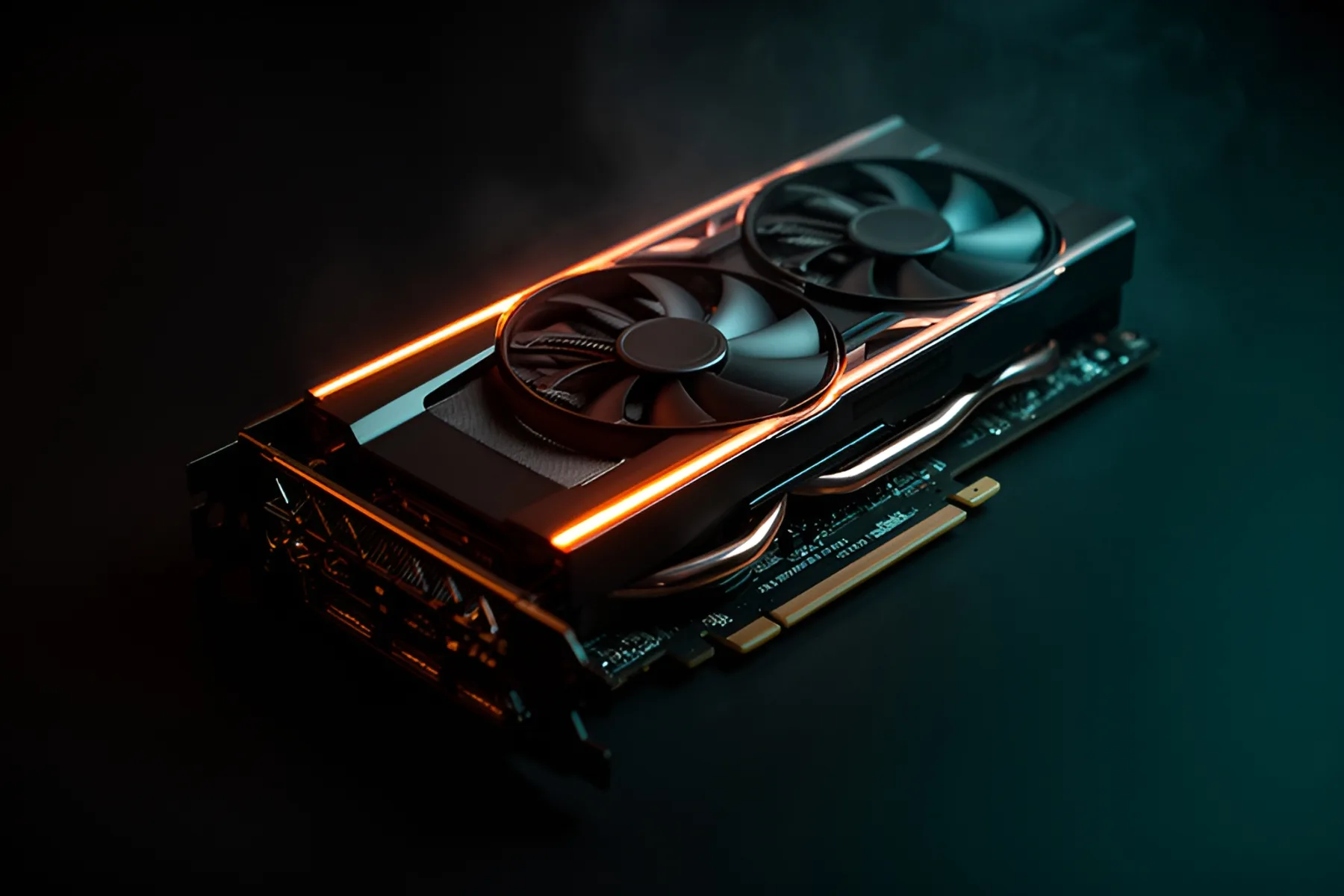
Buy the graphics card your monitor needs and stop there. It is the most expensive part of a gaming PC and, with street prices far above list, the easiest place to waste money. Start with your resolution and refresh rate, narrow the field by VRAM, weigh upscaling and ray tracing, then confirm the card fits your case and power supply.
Start with resolution and refresh rate
Your monitor sets the target. If you already own one, that decides the tier. If you are buying both, our monitor and GPU matcher pairs them for you.
| Target | Cards to shortlist | Tom's Hardware average, raster at Ultra |
|---|---|---|
| 1080p, 60 to 144 Hz | RTX 5060, RX 9060 XT 16GB | 89 and 98 fps at 1080p |
| 1440p, 100 Hz and up | RTX 5070, RX 9070 | 96 and 104 fps at 1440p |
| 1440p, 144 Hz and up, or ray tracing | RTX 5070 Ti, RX 9070 XT | About 117 fps each at 1440p |
| 4K, 60 to 120 Hz | RTX 5080, RTX 5090 | 77 and 111 fps at 4K |
Those averages use Ultra settings across a broad test suite, so competitive shooters will run much faster and the newest ray-traced games much slower. Dropping to High settings usually buys back a good share of frames, so read the table as a starting point.
The RX 9070 XT and RTX 5070 Ti are effectively tied at 1440p without ray tracing, which makes price the deciding factor. On November 9, the cheapest RTX 5070 Ti we could price cost about 45 percent more than the cheapest RX 9070 XT. Unless you play a lot of ray-traced games, that gap is hard to justify. Check current prices on the graphics card page, and see the tier list for how the rest of the stack lines up.
Buy 16 GB of VRAM if you can
VRAM is the memory on the card. Running out of it causes stutter and blurry textures, and average frame rates hide some of that damage. The clearest evidence is the RTX 5060 Ti, sold with 8 GB or 16 GB on otherwise matching hardware. In Tom's Hardware's current rankings the two are within about 5 percent at 1080p Ultra. At 4K Ultra the 16 GB card is about 43 percent faster, and in ray-traced games at 1440p it averages 39 fps against 27.
Use this rule:
- 8 GB: 1080p only, and expect to turn textures down in new releases.
- 12 GB: Fine at 1440p today on cards like the RTX 5070 and RX 9070 GRE, tight at 4K or with heavy ray tracing.
- 16 GB: The target for 1440p and 4K, and for keeping a card more than a few years.
The exception is a PC that only plays esports titles or older games, where 8 GB is plenty. Our VRAM explainer goes deeper.
One related detail: the RTX 5060 uses eight PCIe lanes where the RX 9060 XT uses sixteen. On a PCIe 5.0 or 4.0 board that rarely matters, but on an older PCIe 3.0 board it can make a VRAM shortfall hurt more. Our PCIe lanes explainer shows why.
Upscaling and frame generation
Upscaling renders the game at a lower resolution and rebuilds a sharper image. It is now the normal way to reach good frame rates at 1440p and 4K, so plan to use it. Frame generation is different: it inserts AI-made frames between rendered ones, so motion looks smoother while the game does not respond any faster.
| Card family | Machine-learning upscaling | Frame generation |
|---|---|---|
| RTX 50 series | DLSS Super Resolution | DLSS Frame Generation and Multi Frame Generation, up to five generated frames per rendered frame |
| RTX 40 series | DLSS Super Resolution | DLSS Frame Generation |
| RTX 20 and 30 series | DLSS Super Resolution | No DLSS frame generation |
| RX 9000 series | FSR Upscaling | Machine-learning FSR Frame Generation |
| RX 6000 and 7000 series | FSR Upscaling | FSR 3 Frame Generation, without machine learning |
FSR Upscaling is AMD's new name for FSR 4, and some games still show the old label. NVIDIA's newest additions, Dynamic Multi Frame Generation and the neural rendering in DLSS 5, are limited to RTX 50 cards. Intel's XeSS 3 can insert up to three generated frames between two rendered ones on Arc.
Treat generated frames as polish. AMD advises at least 60 fps before interpolation for its frame generation, because artifacts become more visible below that, and the same logic applies on any brand. Never compare one card's frame-generation result against another card's rendered result, and leave it off in competitive games.
All of this depends on game support. Tom's Hardware notes that AMD's newest features are in fewer games than DLSS, though AMD's software can upgrade many FSR 3.1 titles to the machine-learning version, and the NVIDIA App can do the same for DLSS.
Ray tracing
If you mostly play ray-traced showcases, weigh ray-traced results over raster results. NVIDIA still leads: at 1440p the RTX 5070 Ti averaged 66 fps with ray tracing in Tom's Hardware's suite against 56 for the RX 9070 XT, even though they tie without it. Its current guidance is roughly an RTX 5060 Ti 16GB, RTX 5070 or RX 9070 GRE for about 60 fps at 1080p, an RTX 5070 or RX 9070 as a starting point at 1440p, and an RTX 5080 or RTX 5090 at 4K.
Some games now require ray tracing hardware outright, including DOOM: The Dark Ages and Indiana Jones and the Great Circle. Every current RTX and Radeon card can run them, but it is a reason to avoid very old stock. The heaviest titles, such as Alan Wake 2 and Black Myth: Wukong, still lean on upscaling even on the fastest cards.
Power and connectors
Use the card maker's recommended system power as your floor. NVIDIA asks for 550 W with an RTX 5060, 650 W with an RTX 5070, 750 W with an RTX 5070 Ti, 850 W with an RTX 5080 and 1,000 W with an RTX 5090, and those figures assume a Ryzen 9 9950X system. AMD's minimum for the RX 9070 XT is 750 W, and factory-overclocked models ask for more: ASUS lists 850 W for its TUF RX 9070 XT. Our power supply guide shows how to size the rest of the system.
Check the connector too. Many higher-end RTX 50 cards use a single 12V-2x6 cable, RTX 5060 models usually take one 8-pin, and RX 9070 XT cards typically need two or three 8-pins, with Sapphire's Nitro+ a notable exception on 12V-2x6. Use a native cable where you can and seat it fully.
Physical fit
Graphics cards now range from under 200 mm long to 360 mm. MSI's RTX 5060 Ventus 2X is 197 mm, while Gigabyte's Aorus RTX 5090 Master and XFX's Mercury RX 9070 XT reach 360 mm. Compare the card's length with your case's maximum, and subtract for a front radiator: Fractal's North allows 355 mm, or 300 mm with a 360 mm radiator up front.
Thickness catches people as well. ASUS's ROG Astral RTX 5090 is 3.8 slots thick, which can block lower PCIe slots and crowd M.2 heatsinks. Leave room at the power connector so the cable can exit straight. The PC builder flags conflicts like these before you buy, and our case and cooling guide explains how to measure.
When you have a shortlist, compare it against our rankings. If you are starting from nothing, price a complete system too, because some prebuilts now include these cards for less than retail.
Common questions
Is 8 GB of VRAM still enough in 2026?
For 1080p with reasonable texture settings and for esports games, yes. For new releases at 1440p or anything with heavy ray tracing, it is a real limit. In Tom's Hardware's rankings the 16 GB RTX 5060 Ti averages about 43 percent more than the 8 GB model at 4K Ultra.
Does frame generation count as real performance?
It makes motion look smoother, but the game does not respond any faster because generated frames do not process your input. Treat it as a bonus on top of a good base frame rate. AMD recommends at least 60 fps before interpolation for its frame generation.
How do I know if a graphics card will fit in my case?
Compare the card's length with your case's maximum GPU length, and subtract for a front-mounted radiator if the maker lists a reduced figure. Then check thickness in slots, and leave room for the power cable to exit straight. The PC builder flags these conflicts for you.
Should I pay more for an NVIDIA card?
Pay more if you play a lot of ray-traced games or rely on DLSS in titles that lack good FSR support. Without ray tracing, the RX 9070 XT and RTX 5070 Ti are nearly tied at 1440p, so compare the prices of the exact models you can buy today.
Sources
R8Keep reading
Guides · 7 min
Prebuilt vs Custom PC in 2026: When Each One Wins
Memory prices have changed the math. Learn when a prebuilt beats building your own, and how to spot weak parts hiding in any spec sheet.
Nov 9, 2026
Guides · 6 min
How to Build a Complete Desk Setup Around Your PC
Plan the monitor, arm, peripherals, audio, webcam, networking, UPS and cables as one system, and spend first where you will feel it every day.
Nov 9, 2026
Guides · 5 min
How Much RAM Do You Need in 2026?
16 GB is the floor and 32 GB is the target. Choose capacity, DDR5 speed and kit layout, and find out how to buy while memory prices are this high.
Nov 9, 2026
Bench Notes
One short email a week: price drops worth acting on, launches that matter, and the builds we would actually buy.